2026
April
20th April 2026
Happy Monday! 👋
On Tuesday 19th April 2022, a group of over 100 people in TV and film production worldwide (myself included) sent an open letter to Tim Cook of Apple about Final Cut Pro.
Crazy to think that yesterday, that marks 4 years ago! 🤯
Knut Hake BFS, editor of ‘Blood Red Sky,’ a feature film distributed by Netflix and edited using Final Cut Pro commented, “I think it would make a big difference for workflow consultants, systems integrators and third-party developers if there was a public Beta program for Final Cut Pro. Apple already do it for iOS, macOS and even Safari. It would make Final Cut more reliable and make it much easier for people to fit Final Cut into their plans for the future.”
Sadly, we still don't have any official public beta program.
Steven Sanders, editor in chief of of the Fox TV series ‘War of the Worlds’ season 3 said “The two main reasons why I am often not allowed to chose my favourite editing application, which is Final Cut Pro are: 1. Collaboration! Editing big productions needs collaboration. Different users have to be able to access the same library at the same time. There is no way around this. Avid Media Composer does it and even DaVinci Resolve does it. Apple still targets the single user. They have to change that. That will change everything. 2. Many professionals do not know how Final Cut works. They are afraid of it, even regard is as ‘iMovie Pro.’ I hear that all the time in my business. This perception really has to change."
Sadly, we still don't have any real collaboration tools, outside of the amazing Hedge PostLab.
Jeff Asher, editor of ‘Big Sky,’ a US TV series on ABC and Hulu, says “As a TV editor, my job consists of being creative and being fast. Final Cut is the best NLE to achieve both of those goals. Now we need Apple on board with a roadmap and open dialogue with Film and TV creators to restore confidence lost over ten years ago.”
Apple was slowly getting better at communicating and being more open.
The last Final Cut Pro Creative Summit was pretty amazing - listening to the Apple's Fitness+ team talk about their workflow was really great.
But that was 2024 - it's now 2026, and who knows what's happening with the Final Cut Pro Creative Summit.
We'd love to see Apple publicly support and certify the suppliers of the third-party products and services we use to integrate Final Cut Pro into industry-standard workflows.
Sadly, we haven't really seen any movement in this space.
As someone who runs a Final Cut Pro news site, and also builds niche apps specifically for Final Cut Pro users, there really is a BIG difference between how Blackmagic operates and how Apple does.
At Blackmagic, they have a dedicated Developers section at their NAB booth. Sadly, the only way you'll see Apple staff at NAB is if you happen to know them already.
I wonder... is it time for another open letter, or is it better to just keep bashing along, and build the future we want to make, using tools like CommandPost and SpliceKit?
Speaking of which... introducing the new SpliceKit logo, coming very soon!
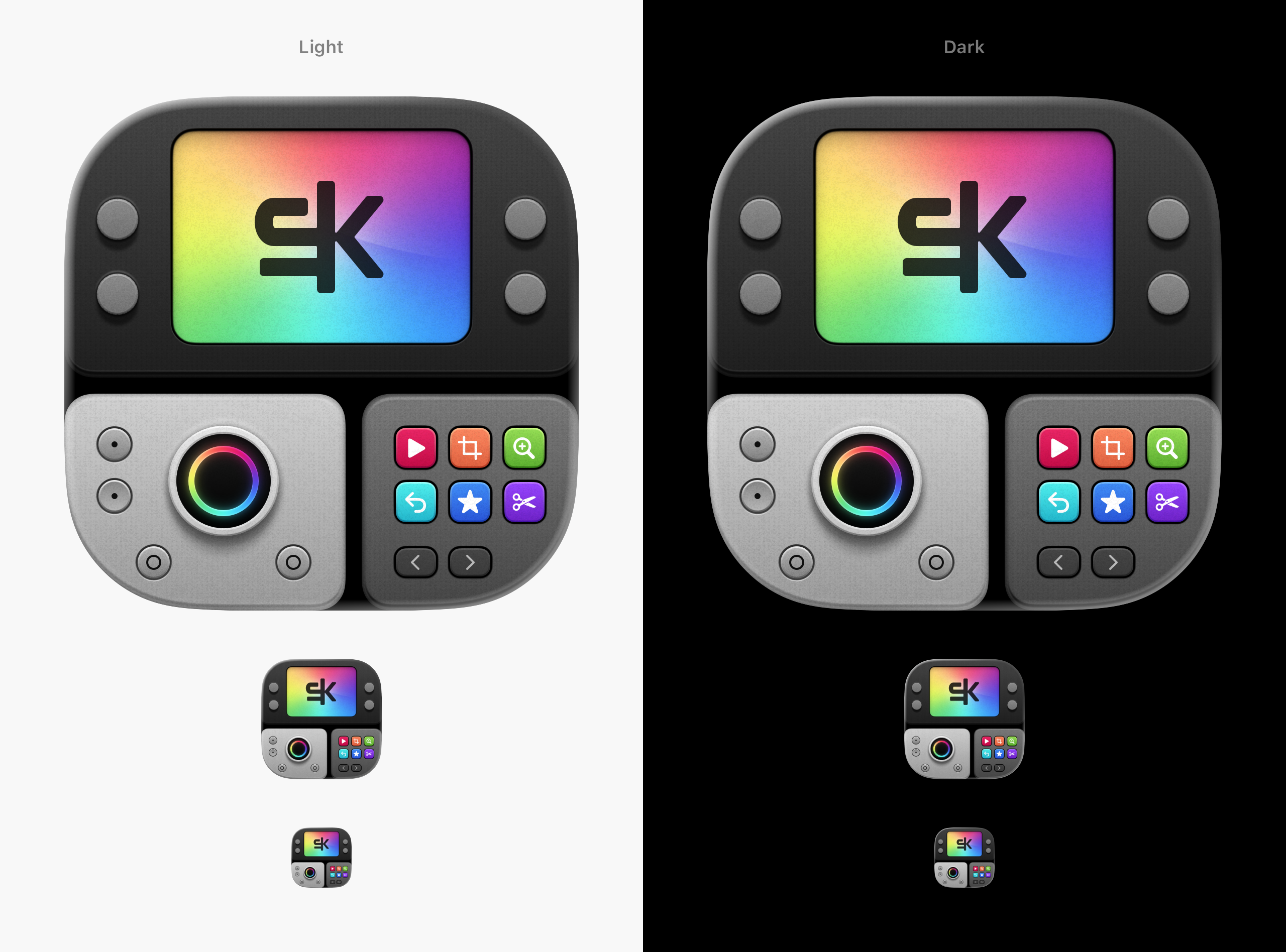
As LLMs become more powerful, and ANYONE can build ANYTHING they want (already we have non-coding video editors making INCREDIBLE things in SpliceKit!) - it'll be interesting to see how Apple reacts and adapts, because it's certainly a crazy world where a non-coding video editor can fix bugs in Final Cut Pro faster than Apple can.
Interesting times ahead!
In other unrelated news, RØDE Sonaura sounds super interesting.
You can watch this video on YouTube:

You can read the news article and read more on the website.
As someone who's done a lot of sound recording on film sets over the years, this sounds SUPER interesting!
If you're at NAB, make sure you head to the Accsoon Booth in Central Hall (Booth #C7338) and track down my good friend Bradley Andrew from FilmDrives.
He's demoing his amazing iPad app, Video Assist.
Also, if you spot anything cool and interesting at NAB, please let me know!
To wrap things up, here's a fun image that someone sent me recently...
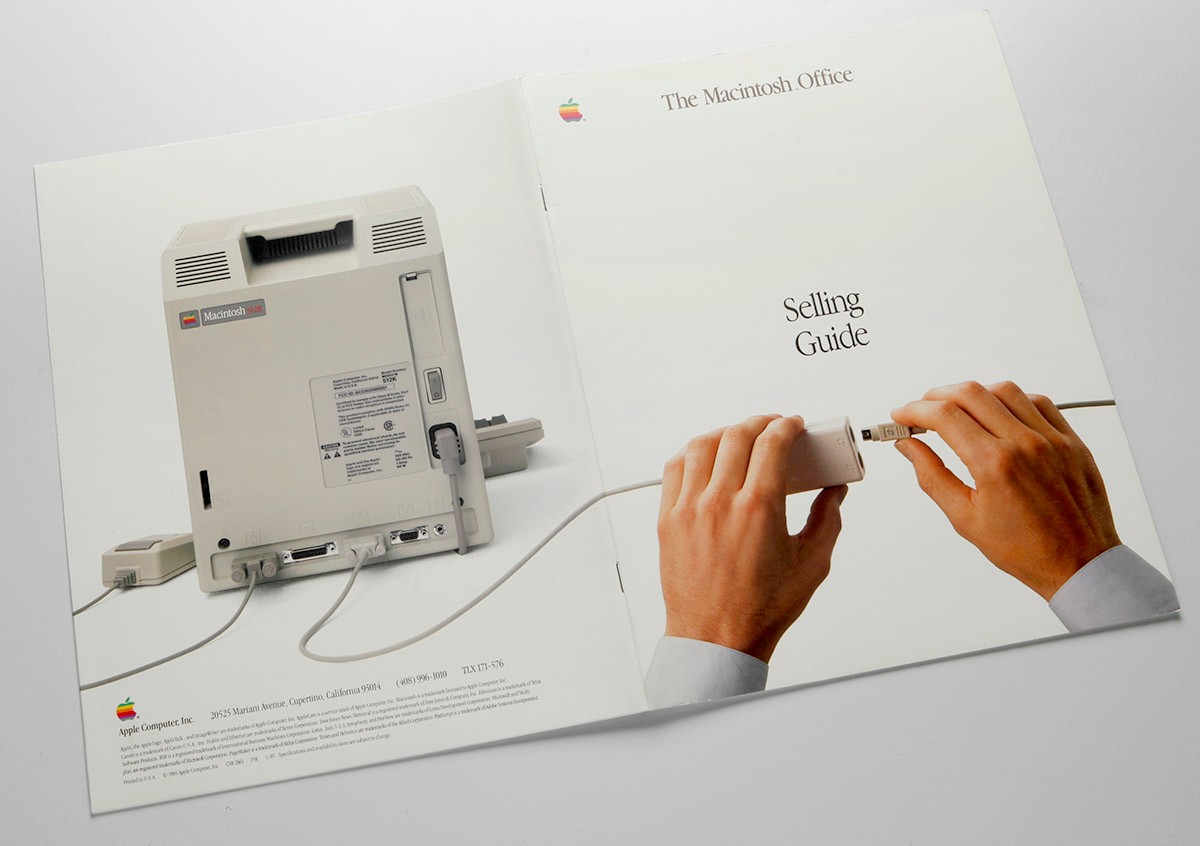
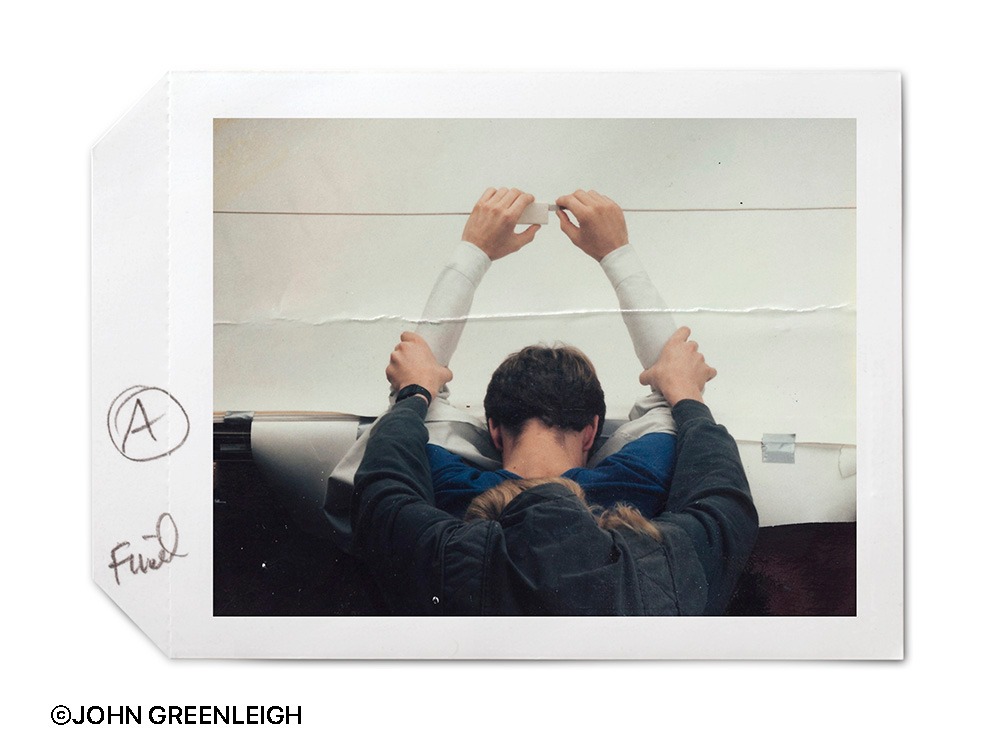
Always cool to see the behind the scenes of a shot!
Thanks team! Onwards & Upwards!
Speaking of SpliceKit, it continues to move at rapid pace... 🔥
SpliceKit v3.2.03 has the following changes:
🥳 New Features:
- URL import workflow — pull remote media straight into your library or timeline. Supports direct
.mp4/.mov/.m4v/.webmlinks plus YouTube VOD URLs. Access via the Command Palette (Import URL to Library / Import URL to Timeline), Lua, or MCP (import_url,import_url_status,cancel_import_url). Three placement modes: import-only, insert at playhead, append to end. Async downloads with live progress, cancellation, and a clear guard against live streams. Requiresyt-dlpandffmpegon PATH — runbrew install yt-dlp ffmpegandmake url-import-toolsto wire them in. Thanks to @JT-Apps (#40).
SpliceKit v3.2.04 has the following changes:
🥳 New Features:
- LiveCam — native webcam booth that records direct to your Library or active timeline without leaving Final Cut Pro. Live preview with looks, color/exposure/contrast/saturation/temperature/sharpness/glow adjustments, audio meter, mirror, date/time stamp overlay, and Library / Timeline placement (Append, At Playhead, or Connected Above). Subject-lift green screen uses Visions
VNGenerateForegroundInstanceMaskRequest(macOS 14+) for a tight, edge-aware matte that works on people and objects, with a custom Metal pipeline that runs joint-bilateral edge refinement, signed choke, temporal smoothing, spill suppression, and light wrap every frame; falls back to person segmentation on macOS 12-13. - Transparent recording — pick "Transparent" as the green-screen color and LiveCam writes ProRes 4444 with a real alpha plane via
CIRenderDestination+kVTCompressionPropertyKey_AlphaChannelMode, so the clip drops onto your timeline ready to composite without an external keyer. Open via the LiveCam toolbar button, the Enhancements menu, the Command Palette, orliveCam.show/open_livecam.
🔨 Improvements
- URL import now auto-discovers
yt-dlpandffmpegfrom your login shell PATH and symlinks them into the SpliceKit tools dir at install time, so Homebrew installs work withoutmake url-import-tools. - Fixes scroll dead space in the Captions panel.
SpliceKit v3.2.05 has the following changes:
🥳 New Features:
- MKV / WebM imports — drop
.mkvor.webmfiles onto Final Cut and SpliceKit generates a shadowMP4remux on the fly so Final Cut Pro sees a native container while the original file stays untouched on disk. Highest Quality toggle for URL imports — new checkbox in the Import URL dialog fetches the highest available resolution from YouTube / Vimeo (1080p, 1440p, or 4K viaVP9/AV1) instead of YouTube's 720p progressive-mp4 cap; leave it off for the fast path.
🔨 Improvements
- URL import reliability — fixes an FCPXML parse failure when downloaded filenames contain ampersands or other XML-reserved characters (e.g. 'PS5 & PS5 Pro'), replaces the misleading twin-percent progress HUD with a single smooth readout, and vertically aligns the spinner with its label.
- Share Logs — one-click upload of the latest Final Cut Pro crash log plus SpliceKit logs to filebin.net, added to the Patcher status panel.
- LiveCam mask kernel dispatch and shader-coordinate fix resolves subject-lift / green-screen edge artifacts on some machines.
- BRAW settings inspector locks to dark appearance to match FCP's other inspectors.
- Points the bundled
.mcp.jsonat themcp-setup venvinterpreter so Claude Desktop MCP works without hand-editing Python paths.
SpliceKit v3.2.06 has the following changes:
🔨 Improvements
- Shadow-remux now handles h264, hevc, av1, and prores Matroska sources (previously VP9/VP8 only), with audio transcoded to AAC when the source codec can't go into MP4.
- HEVC gets the hvc1 sample-entry tag so Final Cut actually decodes Main-10 MKVs.
- Subtitle and attachment tracks are dropped from the mux.
- B-frame-safe CFR timestamp rewrite preserves h264/hevc/av1 display order.
- Media Import 'Processing files for import...' no longer stalls on folders with unrelated files — the hook short-circuits non-Matroska extensions and uses a deterministic shadow path so the same source is never remuxed twice.
- Menu renamed from Enhancements to Splices; Debug dropdown hidden from the menu bar.
SpliceKit v3.2.07 has the following changes:
🔨 Improvements
- HEVC MP4s tagged hev1 (Dolby Vision, DV.HDR10+ WEB-DLs, and other tool-transcoded HEVC material) now import into Final Cut.
- Previously those files showed up as unimportable because AVFoundation / QuickTime / Final Cut only decode HEVC muxed with the hvc1 sample-entry tag.
- SpliceKit now detects hev1 at import time and retags the file using an APFS clonefile() COW snapshot plus a 2-byte edit to the moov box — no stream-copy remux required, no extra disk space consumed, a few seconds even on 19 GB files. The original file on disk is untouched; only the clone is modified.
You can follow along the adventure over on the FCP Cafe Discord.
You can download and learn more on the SpliceKit Website.
Mat X writes:
I've released new version v2.2 build 2 of Media Trust Tools, which comprise CopyTrust (card copy ingest), Drop Verify (contact sheet, MHL and exif metadata creation), and Folder Copy Compare (compare any two folders and make them equal).
Relay session, rename file, more contact sheet codecs added
Media Trust Tools:
Four macOS apps and a CLI tool for media integrity — copy, verify, and prove it.
Current testing version 2.2 build 2: more features, more fun
Current CopyTrust focus on testing:
- relay-chain copy workflow with ordered destinations and Queue Relay Chain
- destination reordering for A -> B -> C style copies
- startup guidance that stays out of the way until needed
- real-world resumable CopyTrust ingests
- external-codec previews, richer metadata, and trust-first background artifacts"
The idea is to load up camera card and walk away (so you can get them gear packed up and put away!). The biggest change in this new version is the relay-chain copies (copy safely to first drive then onward it goes).
User Guides and ReadMe in repo, also the CopyTrust website is a good place to start with an overview of CopyTrust and other tools.
You can learn more on GitHub.
Doza Assist v2.5.0 is out now.
You can learn more on GitHub.
FCP Library Cleaner v0.8.1 is out now with the following changes:
- Missing Files Handling: Missing files are now displayed as warnings in the library, and no longer cause the consolidate feature to fail.
- Maintenance: Updated dependencies to improve stability and reliability.
You can learn more and download on the Mac App Store