2026
April
16th April 2026
Happy Thursday! 👋
In very interesting news, Frame.io has teamed up with Suite to bring the world Frame.io Drive.
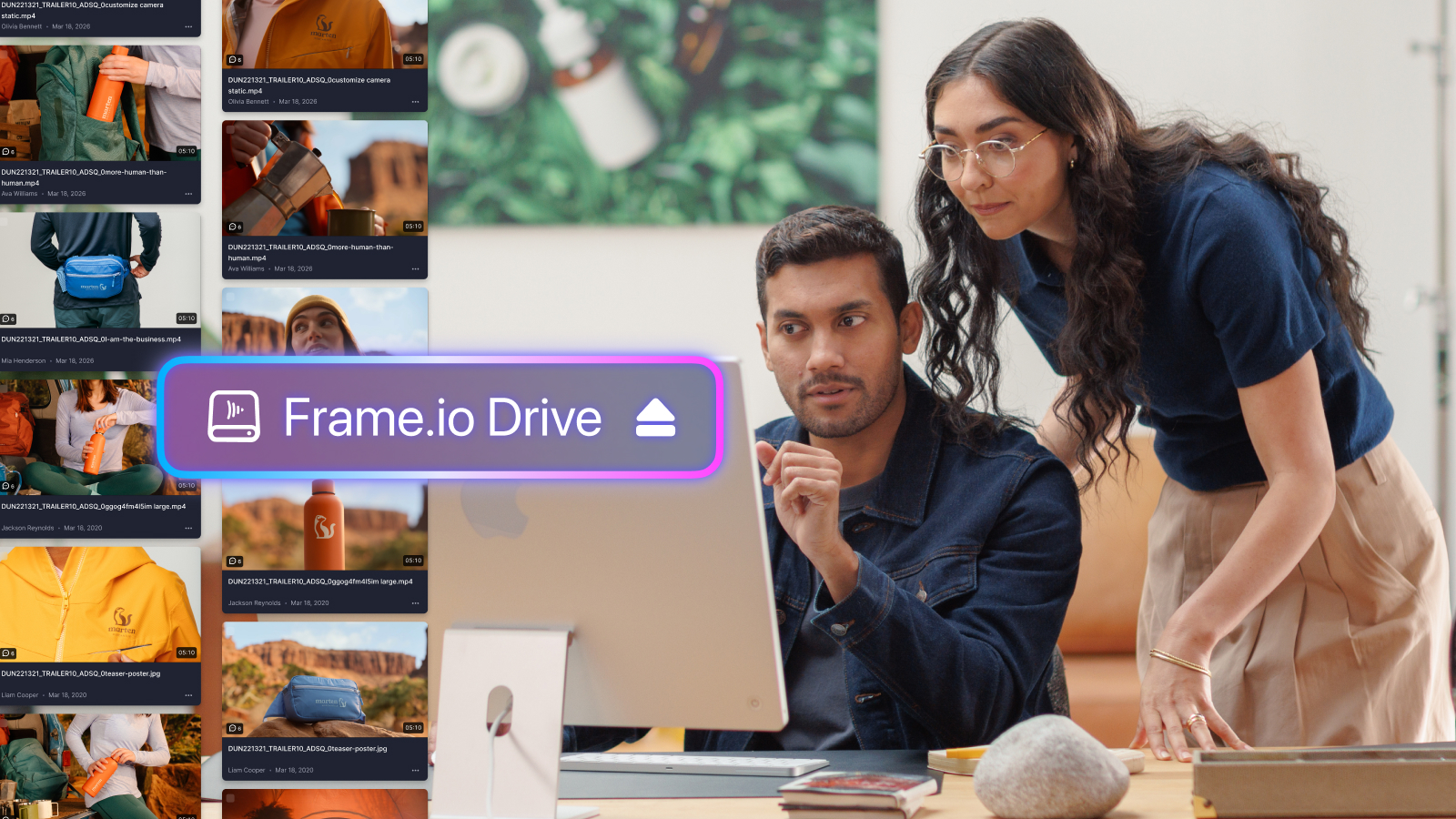
Mount Frame.io projects to your desktop, and your media is live in Premiere, Photoshop, After Effects, and every other tool your team uses. No waiting for downloads. Work can start the moment you mount the project.
This is super interesting because Adobe owns Frame.io, and has a stake in LucidLink - which is essentially a competitor to Suite.
You can read more on the Frame.io website and blog.
In other super interesting industry news, Maxon has just released Autograph for free to the world! 🤯
Autograph is free 2D/3D motion graphics & VFX software with the following features:
- Free access to Autograph for individuals
- Access to Universe Plugins and Red Giant OFX tools (license required)
- Access to Cineversity Training
- Integration with third party VFX tools
With Blackmagic now going after Photoshop with the new Photos page in DaVinci Resolve, and now Autograph targeting After Effects, this is certainly an interesting time for Adobe!
Meanwhile, Adobe has just announced a new dedicated Color Mode for Adobe Premiere.
You can read all about it from Scott Simmons over at ProVideo Coalition.
Completely unrelated, someone sent us this free audio plugin today which seems super cool - Real-time Noise Suppression Plugin.
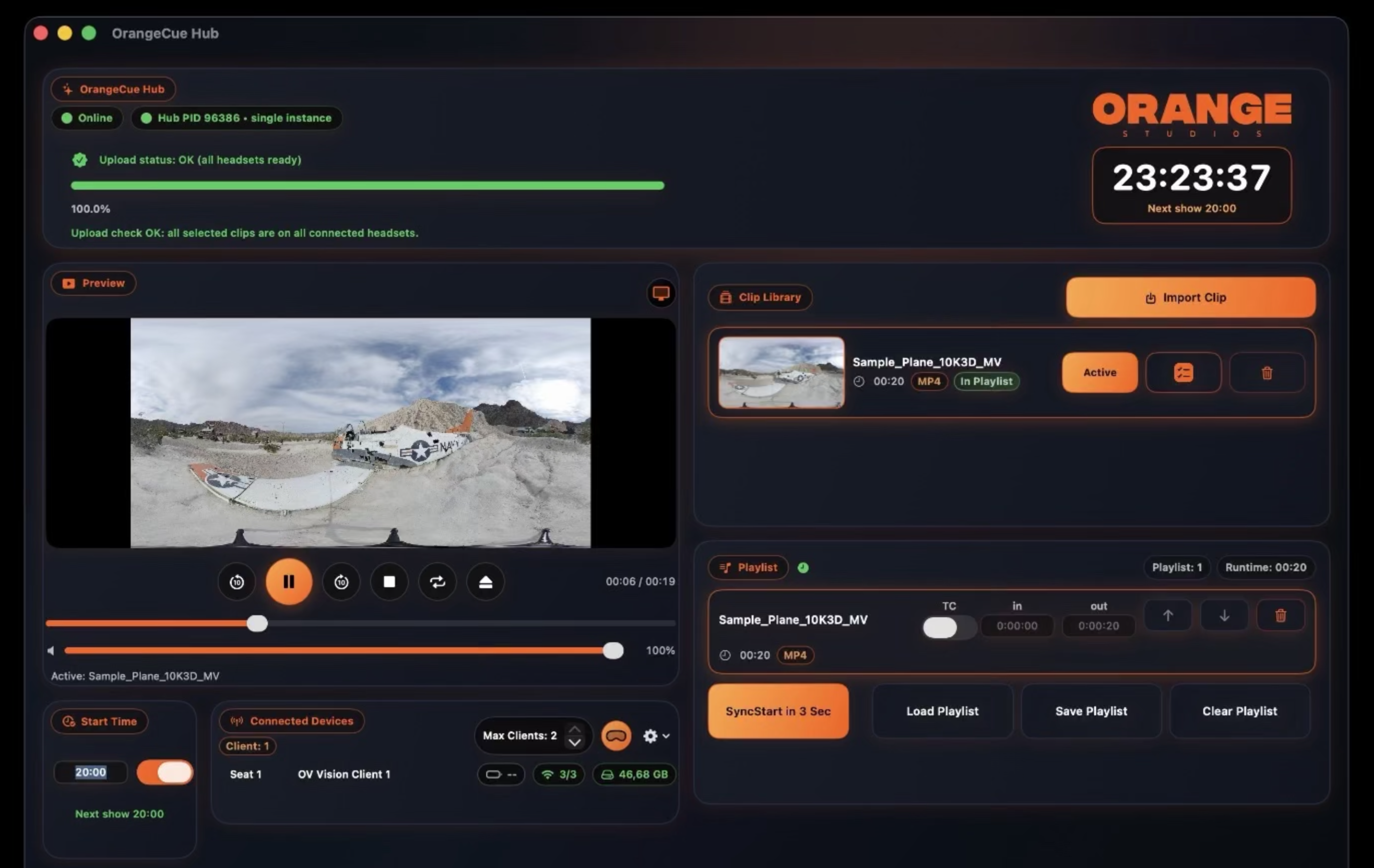
OrangeCue Hub (for Mac) and OrangeCue Client (for Vision Pro) is out now.
This is a super interesting collection of apps created by Oliver Holtkamp - whom I originally created News Import for!
Oliver writes:
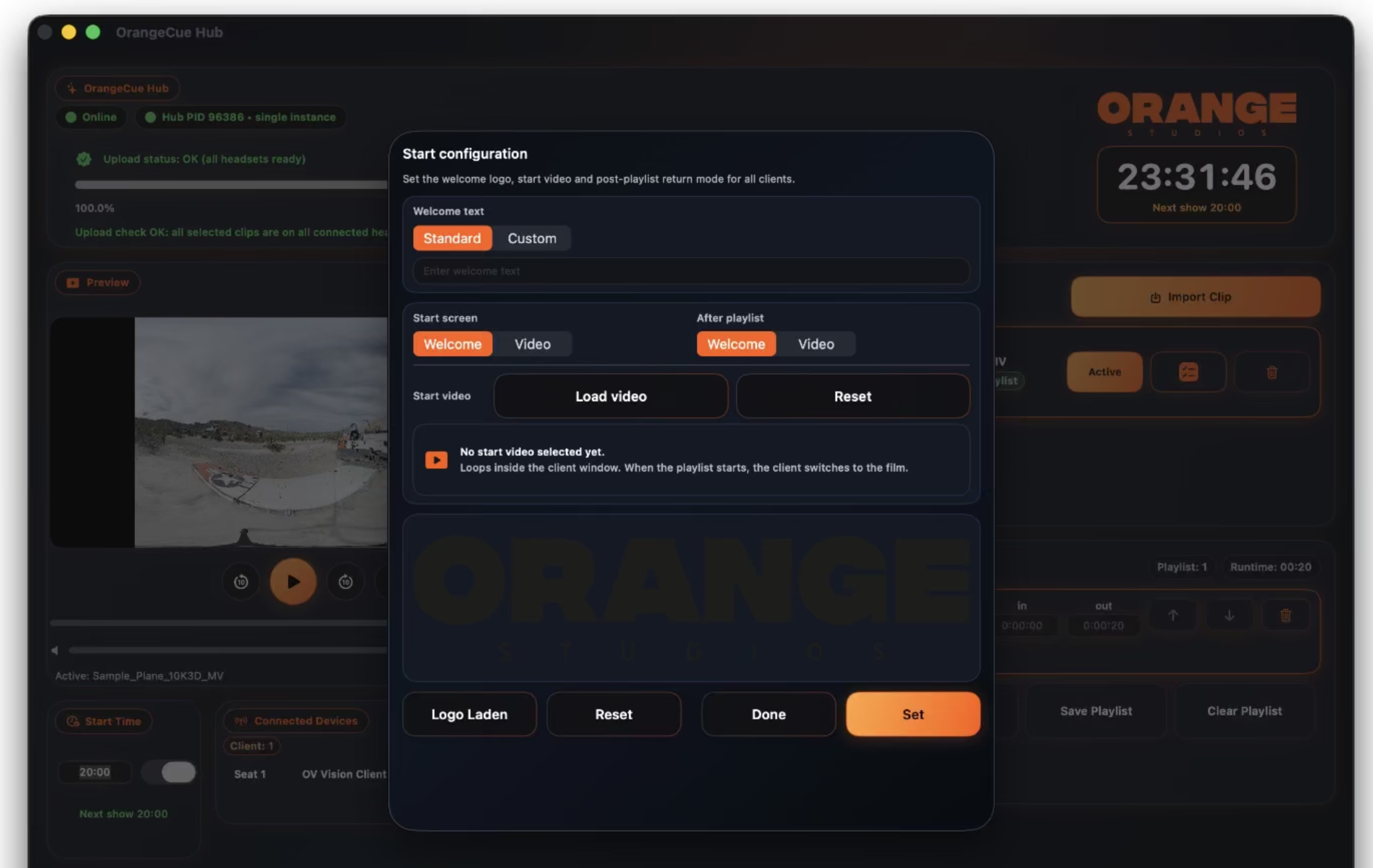
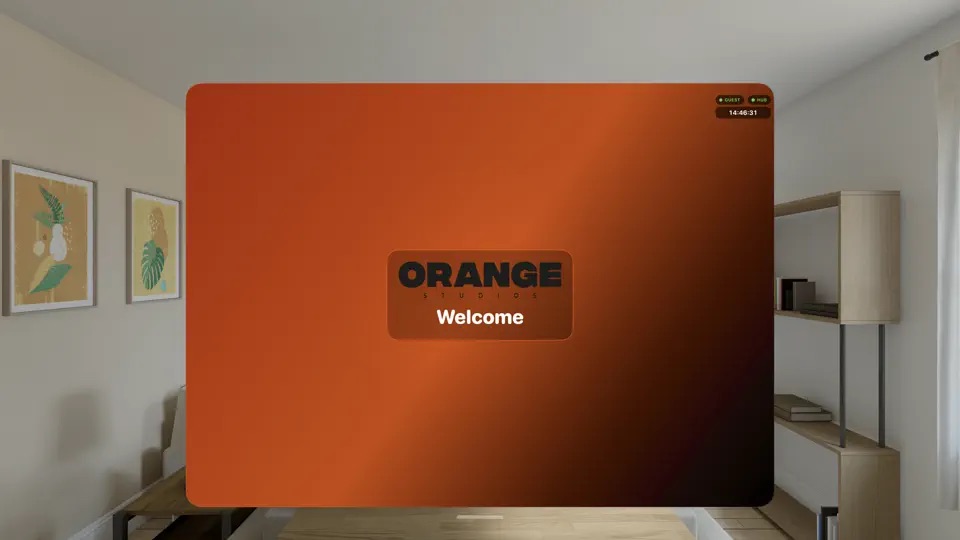
OrangeCue is a synchronized multi-device playback and show-control suite built for shared Apple Vision Pro experiences. It enables operators to manage media libraries and playlists, distribute clips to connected headsets, launch shows manually or on a schedule, trigger precise synchronized starts, and monitor playback status, progress, and device connectivity in real time. The platform includes a Mac-based Hub, an iPad control interface, a visionOS client, plus iPhone and Apple Watch remote control for fast transport access during live operation. It also supports welcome screens, looped start videos, branded startup modes, and automatic re-sync for headsets that join a show late.
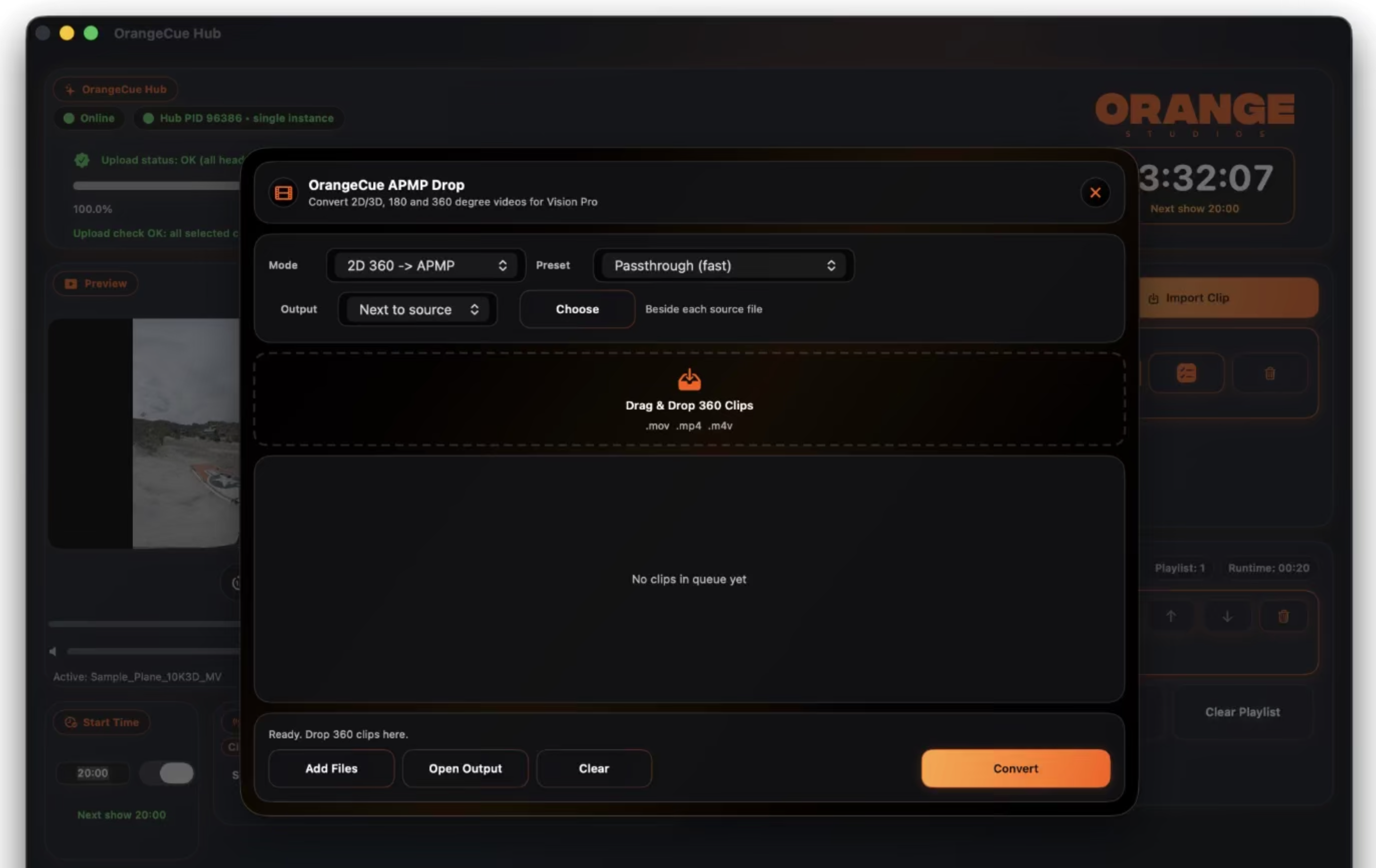
Beyond playback control, OrangeCue provides an end-to-end workflow for immersive show preparation and delivery. OrangeCue APMP Drop converts and packages 360 media for headset playback, OrangeCue Cable Uploader enables reliable wired transfer of large files, and Stream Deck support adds tactile control for event environments. Designed for operation across devices on the same local network, OrangeCue brings synchronized playback, media preparation, deployment, monitoring, and mobile remote control together in one streamlined solution for immersive screenings, installations, live events, and shared audience experiences.
On App Store: OrangeCue Hub (Mac, Maximum of 2 x Vision Pro) , OrangeCue Client (Vision Pro, free)
Later this month: OrangeCue Event (Mac, up to 100 Vision Pro via FxFactory), OrangeCue iHub for iPad, OrangeCue Assistant (iPhone + Apple Watch)
You can find OrangeCue Hub on the Mac App Store.
You can find OrangeCue Client on the Vision Pro Store.
It'll be super interesting to see where this goes!
G.Splatting v1.0.0 is out now - a Gaussian Splatting plugin for Final Cut Pro with real-time Metal GPU rendering.
Next-generation 3D scene reconstruction powered by Metal. Immersive volumetric environments for your timeline.
Native
.PLY: The industry gold standard for high-fidelity Gaussian Splats and custom training pipelines.Optimized
.SPLAT&.KSPLAT: Lightning-fast loading and playback for compressed, lightweight models from Luma AI, Polycam, and Postshot
You can learn more on the G.Splatting website.
Scene Cut Detector v2.0.0 is out now.
It has the following changes:
- Added FCP 7 XML export for DaVinci Resolve (replaces EDL)
- Fixed frame drift caused by misidentifying 24fps as 23.976fps
- Fixed missing frame at cut points in 29.97fps
- Added 47.952fps, 119.88fps support
- For variable frame rate (VFR) videos, we recommend transcoding to a constant frame rate before analysis.
You can learn more and download from the Mac App Store.
As usual, SpliceKit has been bashing along at a rapid pace... 🔥
SpliceKit v3.1.144 had the following changes:
🔨 Improvements
- Transcript Editor diagnostics, timestamp mapping fixes, speaker cleanup, and faster pause deletion.
SpliceKit v3.1.145 had the following changes:
🔨 Improvements
- Audio Mixer: managed role-bus effects, solo/mute controls, FX menu, state mirroring, diagnostics.
SpliceKit v3.1.146 had the following changes:
🐞 Bug Fix:
- Fix an Audio Mixer bug that could cause a major performance drop after adding audio bus effects. Mixer polling now avoids repeated effect-stack mutations while keeping bus effects attached to their roles.
SpliceKit v3.1.147 had the following changes:
🐞 Bug Fix:
- Fix OTIO and FCPXML import reliability: preserve source in-points, normalize media URLs, avoid library-picker fallbacks, and import projects through the in-process pipeline.
SpliceKit v3.1.148 had the following changes:
🔨 Improvements
- Automatically expose Apple's AUSoundIsolation effect on startup so Voice Isolation stays available in the audio effects browser across launches.
You can download and learn more on the SpliceKit Website.
Doza Assist has also had a heap of updates.
Doza Assist now exports to Final Cut Pro, Premiere Pro, or DaVinci Resolve.
Pick your editing platform once with the new Edit in: selector in the project header — every export button throughout the app updates automatically to generate the right format.
Doza Assist v2.4.0 contains the following changes:
- Final Cut Pro → FCPXML 1.11 — unchanged from v2.3, pre-cut timeline with source media references and keyword ranges
- Premiere Pro → Final Cut Pro 7 XML (xmeml v5) — the format Adobe officially recommends for third-party round-tripping. Imports cleanly via File → Import with V1 + A1/A2 tracks, integer-frame timecode, and NTSC-aware rate handling (23.976 / 29.97 / 59.94)
- DaVinci Resolve → CMX 3600 EDL — imports via File → Import → Timeline → Pre-Conformed EDL. Source clip names and Doza Assist's editorial notes are preserved as EDL comments. HH:MM:SS:FF non-drop timecode, sanitized reel names
- Platform choice persists per-project and updates the global default for new projects
- Preferences stored at
~/Library/Application Support/Doza Assist/preferences.json
Under the hood:
- New
exporters/package with aBaseExporterinterface and a router - FCPXML path is byte-for-byte identical to v2.3 — the new wrapper delegates to the existing
fcpxml_export.pycode (regression firewall, asserted by a golden test) - Ffprobe resolution/framerate helpers extracted from two duplicated inline copies in
app.pyinto a sharedmedia_probemodule - 36 tests (22 new), including Premiere XML NTSC frame math, EDL 1-hour timecode (caught a 4-second drift mid-build), and the FCPXML byte-identity check
You can download and learn more on GitHub.