2026
April
9th April 2026
Happy Thursday! 👋
In super interesting news, Hedge isn't going to NAB this year. 😢
The Hedge team writes in their newsletter and blog:
No NAB
Usually around this time of the year, we’re ready to go to Las Vegas for the annual NAB Show. This year, it being our 10th anniversary, we planned some really cool stuff.
But it’s not to be - after seeing events unfold this last year, and having two of our team members who live in Minneapolis right in the thick of it, we realized we couldn’t guarantee our EU team’s safety traveling to the US. While the risk is tiny, it’s not worth taking when it directly affects families back home.
So, no NAB this year. Let’s instead meet in Amsterdam in September at IBC, and hope for better times ✌️
On to the fun bits, as it’s currently raining 26.1 releases 🙂
This certainly isn't surprising - I think there's a lot of people all over the world that are wary of travelling anywhere in the current climate, let alone to the USA.
I would think this might be one of the reasons the Final Cut Pro Creative Summit has been delayed and/or cancelled too - I've certainly suggested to FMC in the past to maybe move it to IBC or another country like Singapore (how cool would it be to do a FCP Creative Summit at the Apple Store in Singapore - Blackmagic or ILM would also be a fitting location!).
What is surprising is that Hedge is 10 years old! That makes me feel old as I remember vividly when Hedge was brought into the world.
Even more scary... LateNite turns 20 years next year. 😳
I actually first met the Hedge team in person back in NAB in 2019:
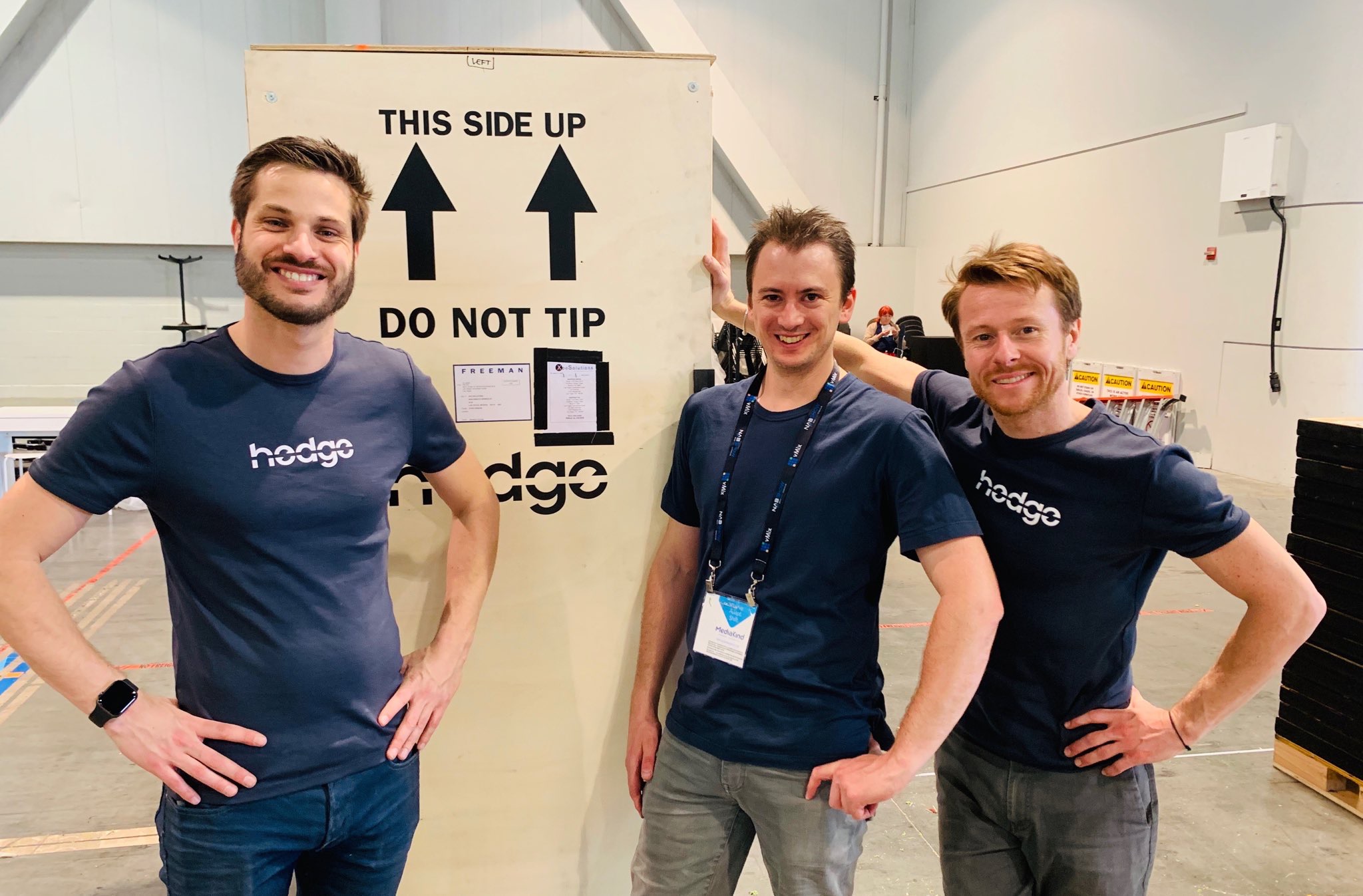
As the show was ending, I offered to help them pack up the stand, and we had a drink and a long nerdy chat afterwards.
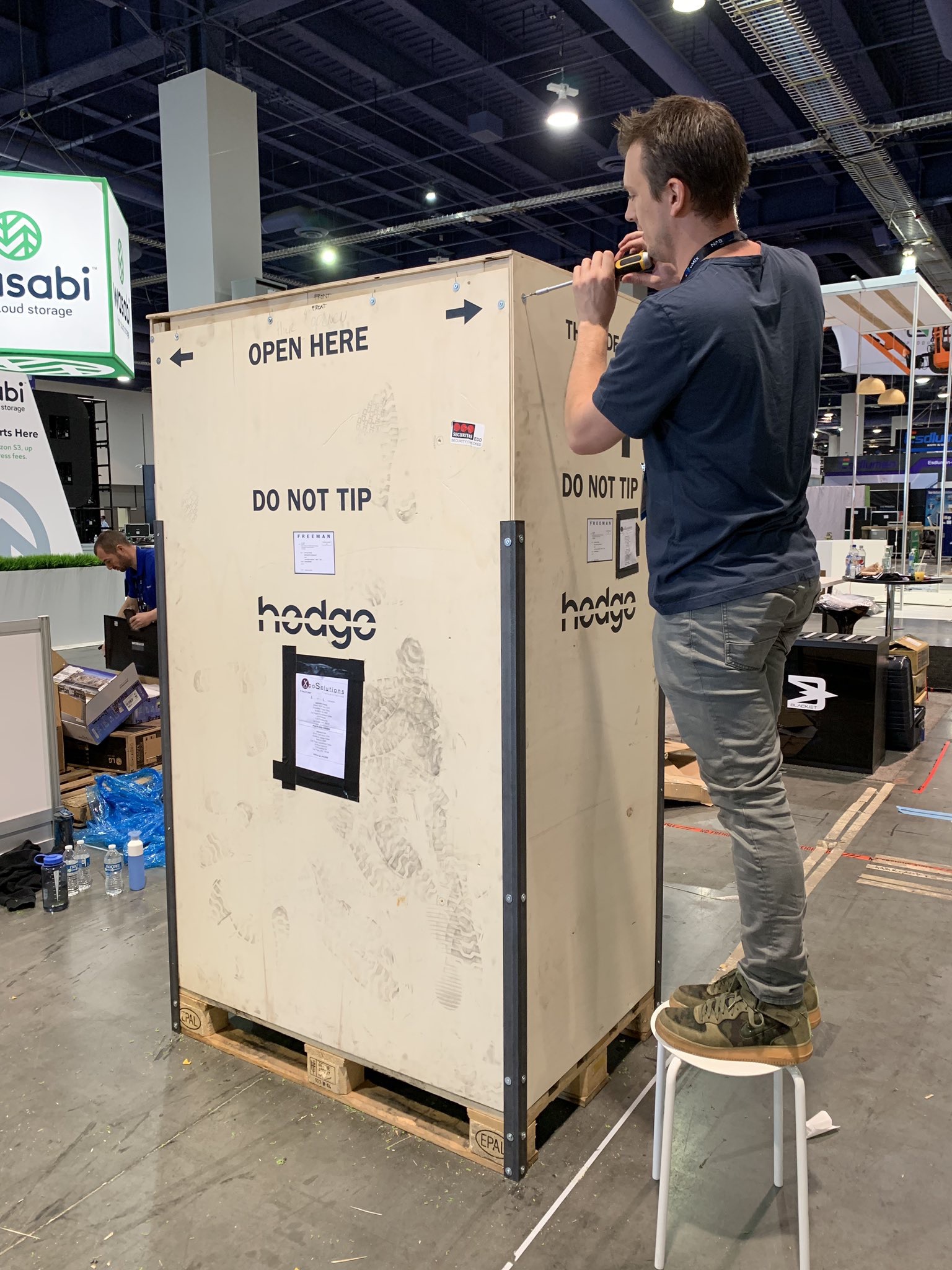
We stayed in touch, and years later, we teamed up to work on Hedge Arctic.
Goes to show... who knows where the contacts you make along the way will end up!
In other news, for any developers following along, I did a presentation tonight for Melbourne CocoaHeads.
You can watch my presentation on YouTube:
This was my third presentation for CocoaHeads:
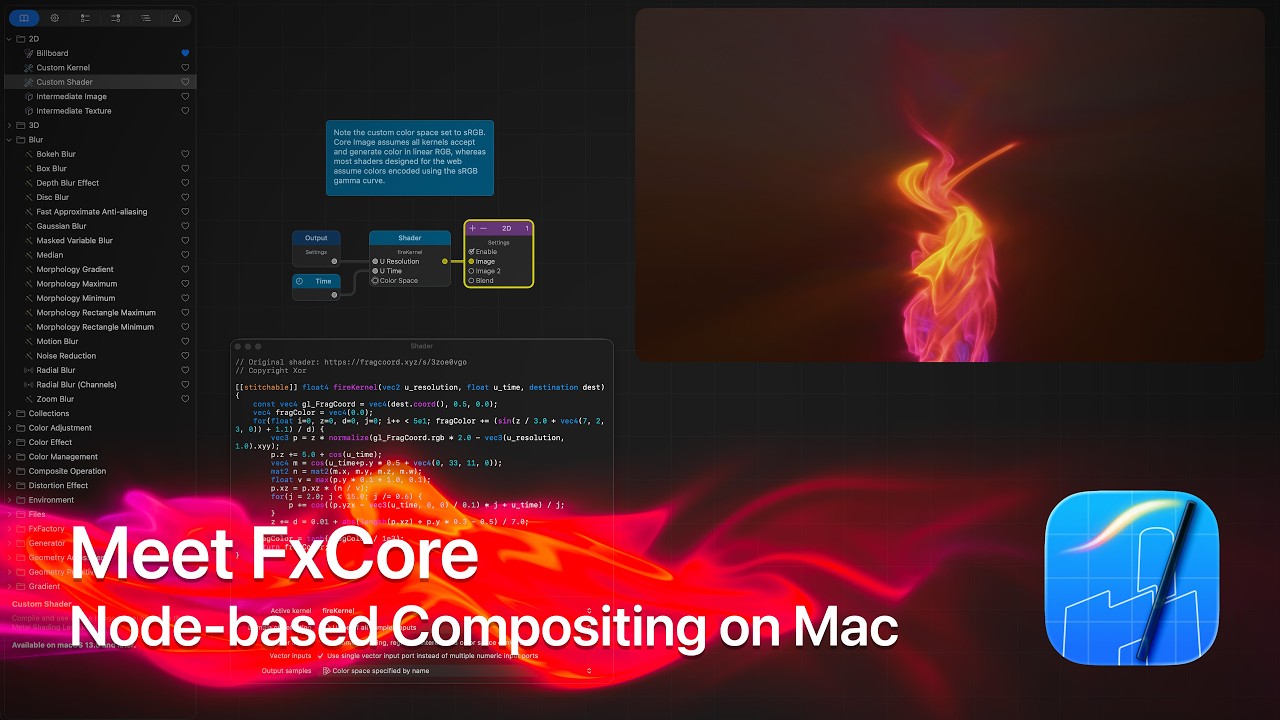
And whilst we're talking nerdy videos, FxFactory has just come out with an epic one, titled Meet FxCore: Node-based Compositing for VFX Artists and Developers on the Mac.
You can watch this on YouTube:
SpliceKit has been moving at a RAPID speed. 🔥
We've also added a dedicated SliceKit website to FCP Cafe - splicekit.fcp.cafe!
This website is still a work-in-progress, and we encourage you to help contribute and make it as useful as it can be!
SpliceKit v3.1.3 includes the following changes:
Apple Intelligence+ (Agentic Mode):
- New Apple Intelligence+ engine in the Command Palette — an agentic AI mode powered by Apple's on-device FoundationModels framework with tool-calling capabilities
- Apple Intelligence+ can read your timeline, seek to specific times, blade/cut clips, add markers, apply effects, execute menu commands, and repeat actions at intervals — all from a natural language prompt
- 6 built-in tools: edit (timeline actions), seek (playhead positioning), clips (read timeline state), repeat_action (batch operations like "blade every 5 seconds"), effect (apply effects), menu (execute any Final Cut Pro menu command)
- Timeline-aware context: Apple Intelligence+ automatically knows your project name, duration, clip count, frame rate, and playhead position
- Smart pattern detection: phrases like "cut every 3 seconds" or "add markers every 10 seconds" are intercepted for fast direct execution
- Three AI engines selectable from the Command Palette dropdown: Apple Intelligence (basic), Gemma 4 (local MLX), and Apple Intelligence+ (agentic with tools) — Apple Intelligence+ is now the default
- Engine preference persists across sessions via
NSUserDefaults
Lua Scripting Engine:
- Embedded Lua 5.4 VM running directly in FCP's process (zero latency)
skmodule with 25+ actions:sk.blade(),sk.seek(),sk.clips(),sk.rpc(),sk.eval()- REPL panel (
CONTROL+OPTION+L) for interactive scripting - Live coding: save
.luafiles to~/Library/Application Support/SpliceKit/lua/auto/ - 8 built-in menu scripts (timeline report, remove silences, blade every 5s, balance color, cross dissolves, generate captions, export XML, screenshot viewer)
- 25+ example scripts (podcast producer, music video editor, conform tool, batch export, and more)
- MCP tools:
lua_execute,lua_execute_file,lua_reset,lua_watch,lua_state
Social Captions (Improved):
- Uses Final Cut Pro's built-in Basic Title — works on all Final Cut Pro installations, no custom templates needed
- Word-by-word karaoke highlighting via per-word
<text-style>colouring - Auto-transcribe: generates captions without manual transcription step
- Drop shadow on all caption text for readability
- Lower-third positioning via Motion channel hierarchy
- Screen freeze hides temp project switch (seamless UX)
reloadMicaDocumentfix: no more greyed-out text or Inspector crashes
Default Spatial Conform Type (PR #22):
- Override default spatial conform (Fit/Fill/None) for new timeline clips
- Menu:
Enhancements > Options > Default Spatial Conform - Options panel dropdown + Command Palette cycling
- Bridge API:
set_bridge_option_value("defaultSpatialConformType", "fill")
Bug Fixes:
- Fix Lua RPC main thread deadlock:
sk.rpc()no longer forces every call through main thread, preventing soft deadlocks during polling loops - Fix caption engine override: caption generation now uses the user's configured transcription engine instead of forcing FCP Native
- Fix parakeet-transcriber build for updated FluidAudio API (
AsrManager.initialize→loadModels, new model version enum variants) - Caption script is now non-blocking for long clips with transcript reuse
SpliceKit v3.1.4 includes the following change:
- Improves social caption insertion and relaunch restore. Fixes title placeholder recovery on restart, preserves caption placement on reload, and tightens word highlighting behavior.
You can download and learn more on the SpliceKit Website.
ATEM TO FCP v1.5.1 is out now.
It includes the following changes:
- Restored macOS Compatibility: Fixed a technical issue where the app incorrectly required macOS 26.2. It is now fully compatible with macOS 15 Sequoia and later.
- General Fixes: Minor stability improvements and optimizations for the new Relink workflow.
You can download and learn more on the Mac App Store.