2026
March
25th March 2026
Happy Wednesday! 👋
Firstly... did you listen to the Final Cut Grill back in the day, hosted by the amazing Chris Fenwick?
I did, and I LOVED it - but I realised, it was gone from the interwebs. Well, now it's back - you can download and listen to ALL the old Episodes on FCP Cafe!
I'm HOPING that Chris will release new episodes soon too! Stay tuned.
My sincerest apologies for the lack of updates to BRAW Toolbox v2.0.0 - I hope to get a bug fix update out ASAP.
I've just submitted Metaburner v1.2.2 to FxFactory and the Mac App Store with bug fixes and improvements. Hopefully it's out very soon!
Keyframe Toolbox v1.0.0 (Build 30) is now out on TestFlight and submitted to Mac App Store Review.
You can learn more on the Keyframe Toolbox website.
We hope to release ASAP - we're just waiting on Apple. Sadly, I think with the rise of "vibe coded" apps, and WWDC nearing closer, App Review is taking longer and longer these days.
ScriptStar v1.5.0 (Build 22) is also now available for testing on TestFlight.
This release includes local transcription with downloadable models! You'll find all the changes on the page where you can add SRTs and kick off the processing.
To create a New Transcript for any clip, whether it's been transcribed by Final Cut Pro already or not, just check the box for that clip in the New Transcript column, or click the New Transcript column header itself to check that box for all clips.
All transcriptions are local, private, free, and never leave your Mac.
Models include:
- Parakeet v3 (fast, multiple European languages)
- Whisper v3-large (slow, but includes Asian languages like Chinese and Japanese)
- Apple's SpeechTranscriber model that's built in (fast, but not as accurate as the other models, and seemingly the model Final Cut Pro uses natively, with poor multi-language support).
You can choose the model to use in the Options panel, and the first time you transcribe, the model will download automatically, displaying a progress bar as it does so.
For the most accurate timing, don't use the built-in transcripts — just re-transcribe with Parakeet. It's fast, and the timing is more accurate than Final Cut Pro's own transcripts.
You shouldn't need to manage these models, but if you try Whisper and find it doesn't work for you, just hold COMMAND+OPTION as you choose that option to delete its files.
Once we get enough feedback that ScriptStar v1.5.0 is stable and bug free, we'll release on the Mac App Store.
Feedback on all of the above is very welcome!
Thanks team!
ATEM TO FCP v1.0 has launched on the Mac App Store.
Convert ATEM ISO projects into multicam-ready Final Cut Pro timelines.
Unlike our own ATEM Exporter this software only works with the ATEM Mini Pro ISO.
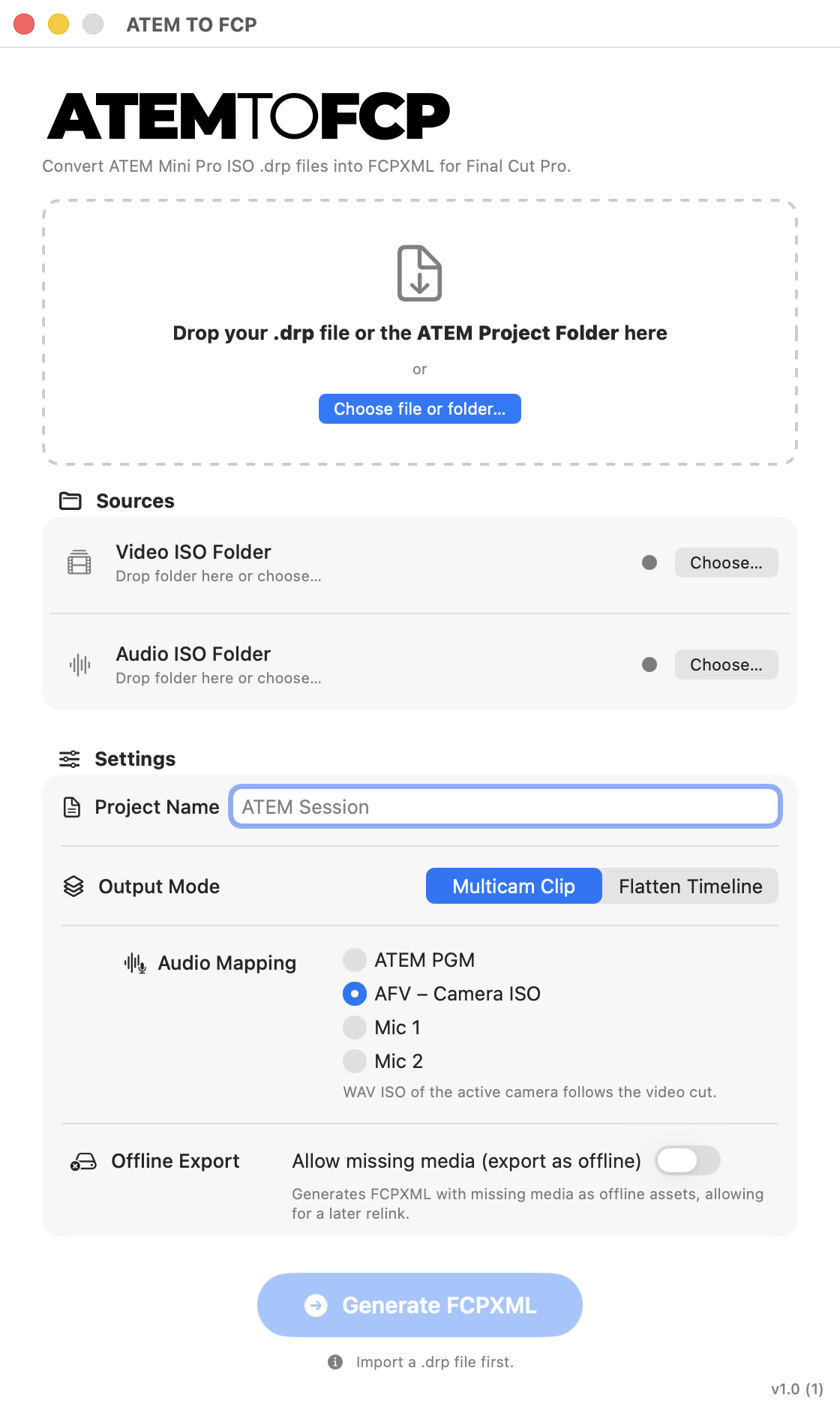
ATEM TO FCP is a professional macOS application designed to transform live recording sessions from ATEM Mini Pro ISO switchers into complete editorial timelines ready for post-production in Final Cut Pro.
Developed for directors, editors, and content creators, the app automates the frame-accurate reconstruction of every cut, transition, and choice made during the live broadcast, removing the need for manual synchronization and ISO file management.
ATEM TO FCP serves as the intelligent bridge between Blackmagic Design ATEM Mini Pro ISO and the Final Cut Pro editing environment, allowing you to start your creative edit moments after the recording ends.
You can download and learn more on the ATEM TO FCP website.
FCP Template Manager v1.5.0 is out now.
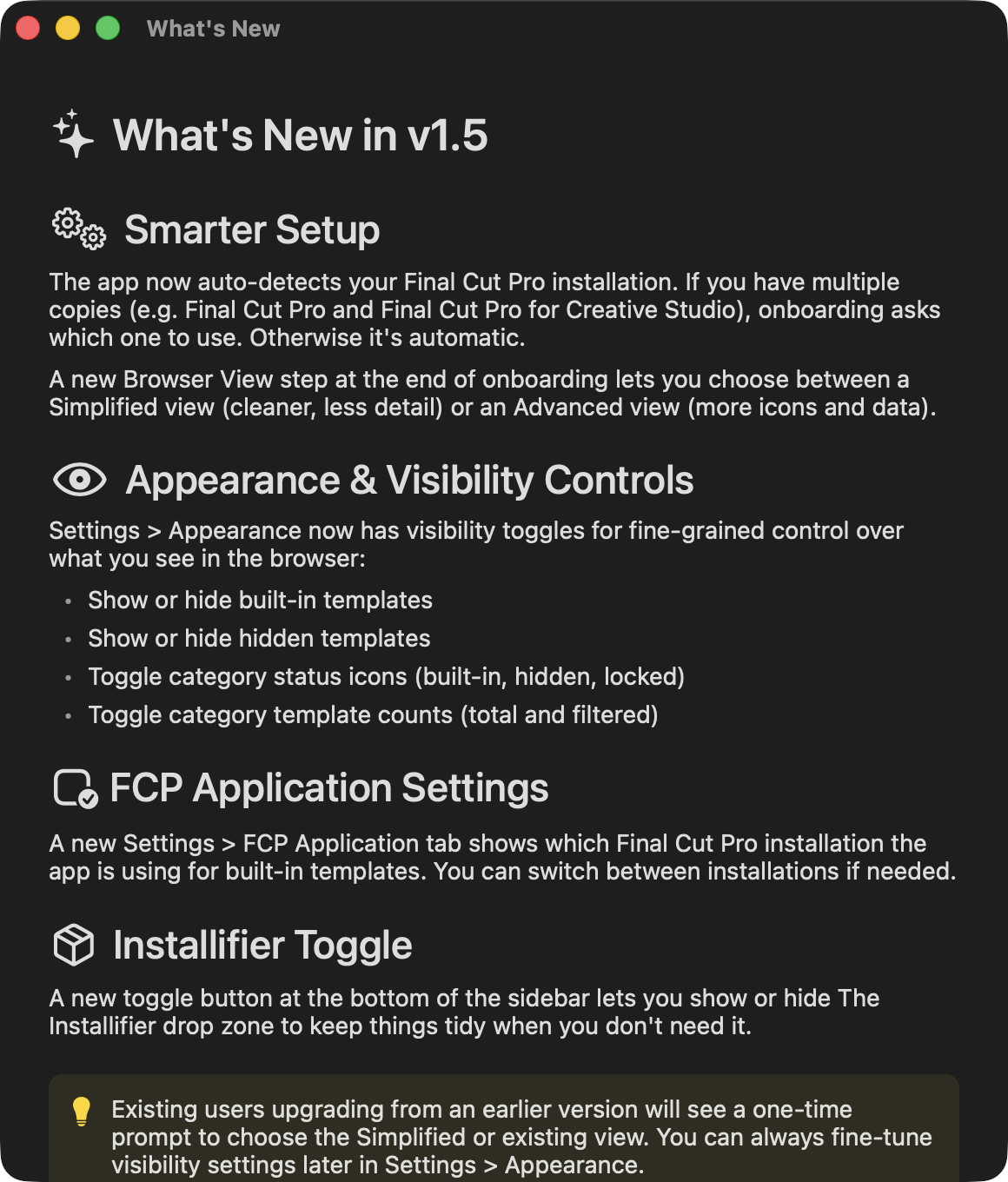
Rob the developer writes:
No major new features in this one, but...
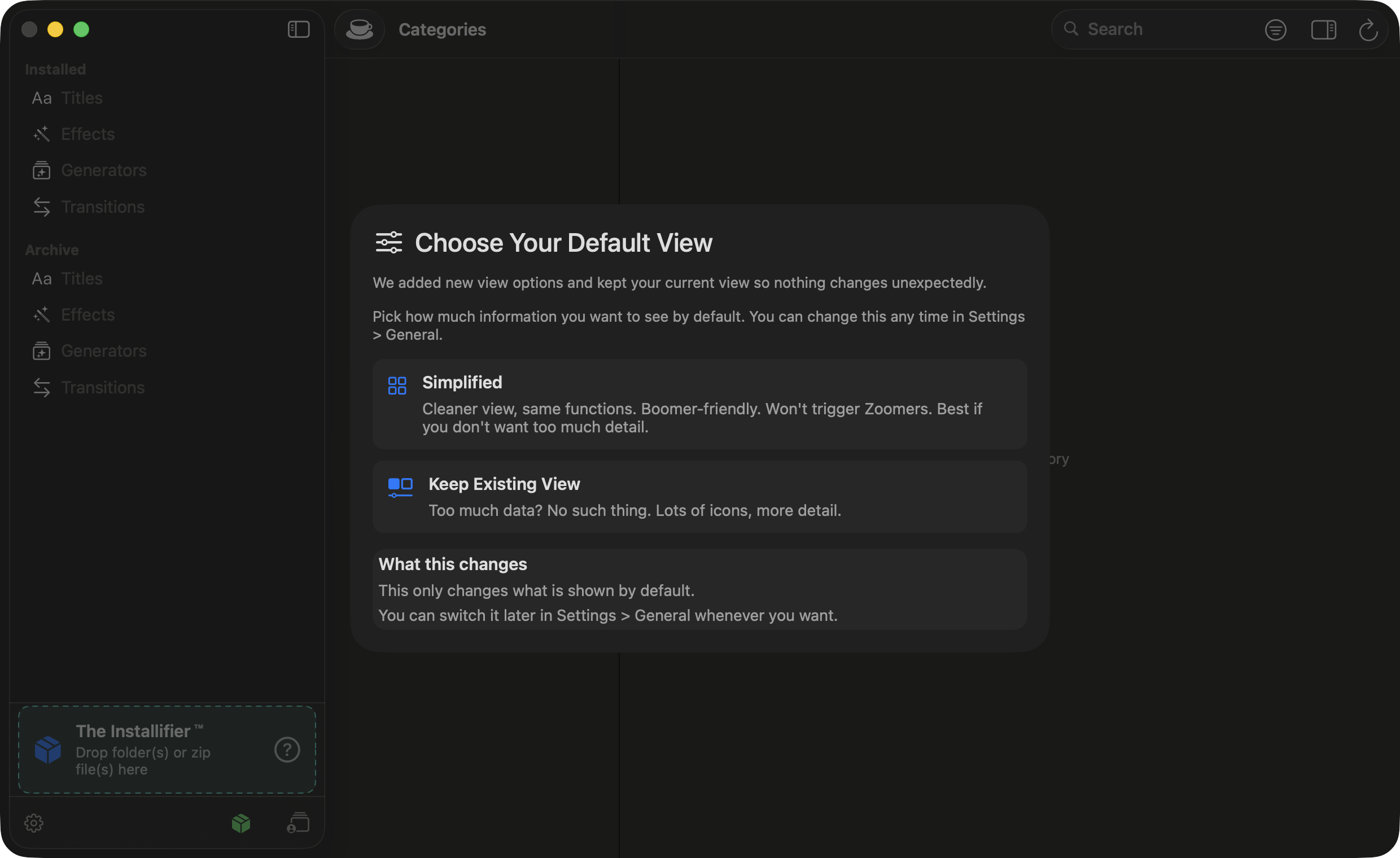
- You can now filter some things from the UI in Settings -> General to make it less cluttered.
- You can exclude built-in and hidden templates from the UI.
- If you click those little clapboard, eye, or lock icons next to the category, it will cycle a temporary filter for that category. For instance, if you have a yellow eye it means there are some hidden templates in that category. If you click the eye once, it will show you the hidden templates. Again, it will filter out the hidden templates. A third time will reset to normal.
- If FCPTM could not detect your instance of FCP, you can set it manually in Settings. I forgot some of you like to rename things. Or have multiple things. So hopefully my thing fixes that thing.
You can download and learn more on the FCP Template Manager website.
Scene Cut Detector v1.0.3 is out now.
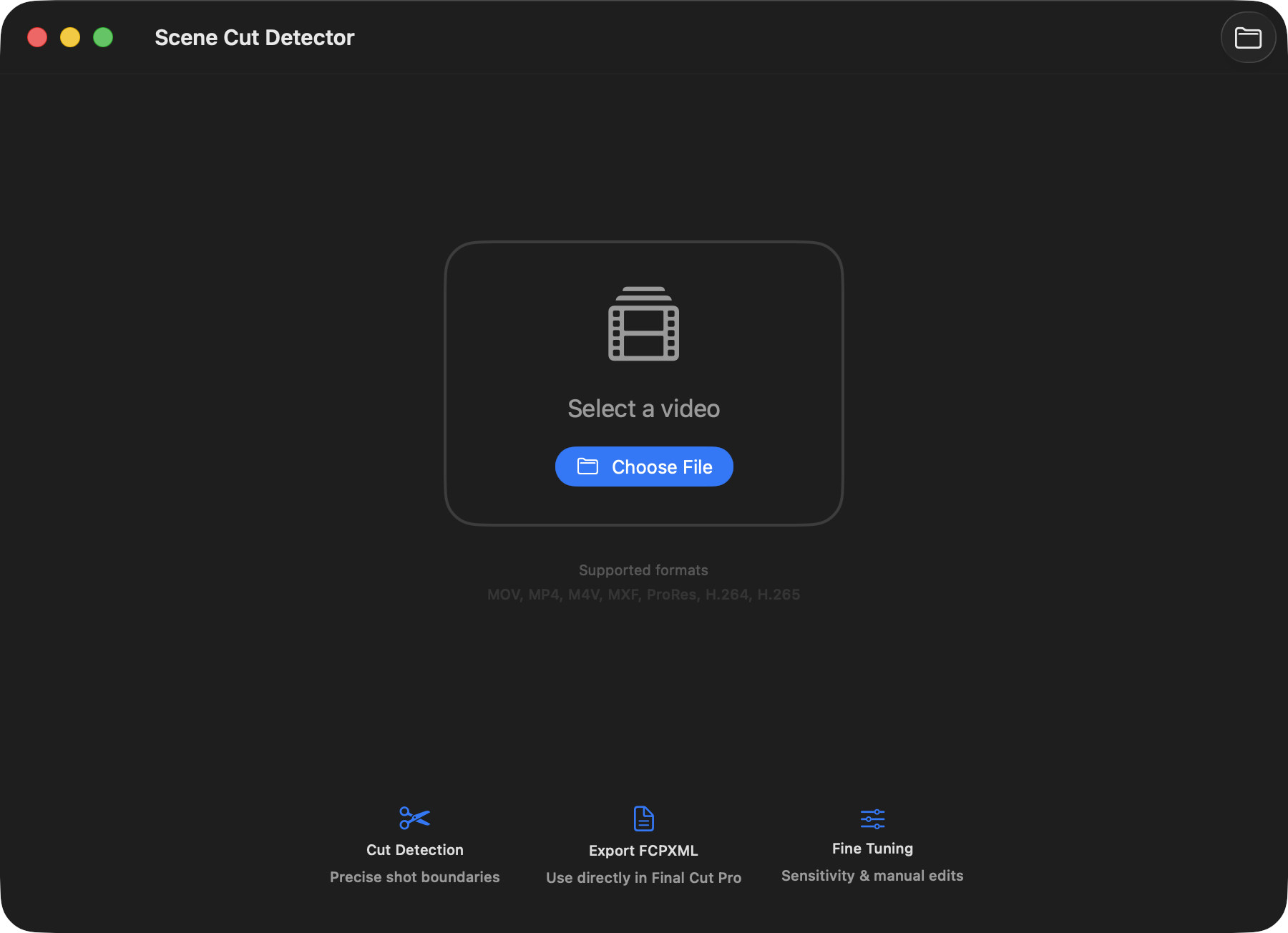
It includes the following improvement:
- Added Korean localization for App Store screenshots.
You can learn more and download from the Mac App Store.
ScriptBlade v1.0.4 is now available on the Mac App Store.
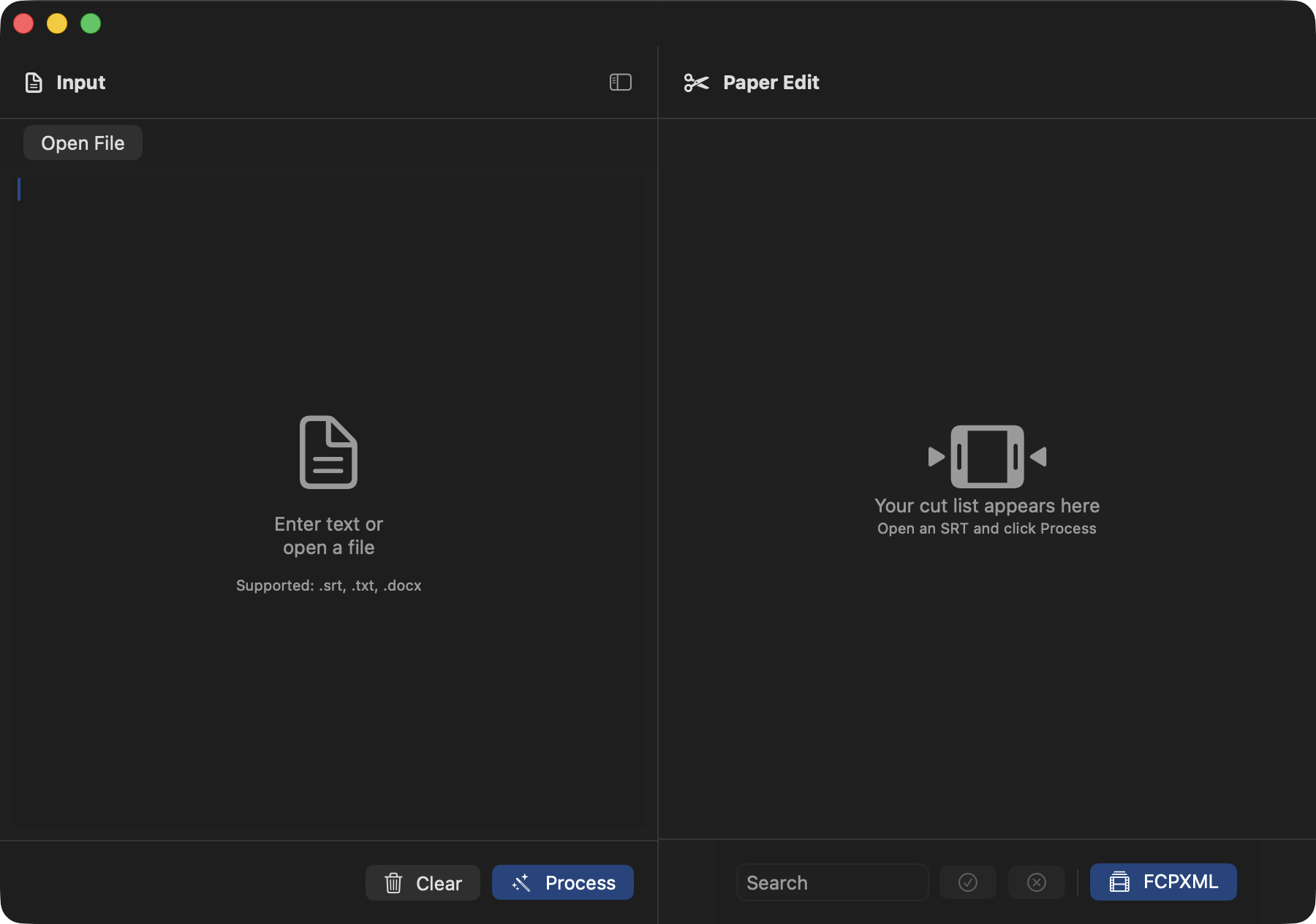
It includes the following improvements
UI and Layout:
- Improved input panel header
- Open File is moved to a sub toolbar and aligned with the Paper Edit header height
- Auto collapse input panel. The input pnale slides out after processing and can be toggled from the sidebar.
- Paper Edit header info. Displays segment count, kept, dropped, and selected duration over total percentage in a single line.
- Selection ratio bar. A 4 pixel blue bar under the sub toolbar shows the keep ratio in real time.
- Simplified bottom bar. Only the FCPXML button remains.
- Target Duration. Set target duration in sub toolbar. Supports seconds,
MM SS, andHMM SSformats. - Header color feedback. Grey for in progress, orange when near, green when on target, and red when over.
Editing Enhancements:
- Keyboard navigation. Use arrow keys to move between segments and press
SPACEBARto toggle Keep or Drop. - Auto focus first segment. Start navigating immediately after processing.
- Click to focus sync. Continue keyboard navigation from the clicked segment.
- Undo and Redo. Use
COMMAND+ZandCOMMAND+SHIFT+Z. - Keyword batch selection. Search and apply Keep or Drop to all matching segments.
Project Management:
- SB Project file support.
- Save SRT, Keep and Drop states, and settings.
- Unified file menu. Use
COMMAND+Sto save,COMMAND+SHIFT+Sfor Save As, and Open Project.
Export:
- Export via File menu. Use
COMMAND+Eto exportSRTandCOMMAND+SHIFT+Eto export FCPXML.
You can download and learn more on the Mac App Store.
Curves v1.0 is out now.
Curves for Final Cut brings powerful animation tools right into the Final Cut Pro timeline.
You can download and learn more on the Mac App Store.