
2026
March
4th March 2026
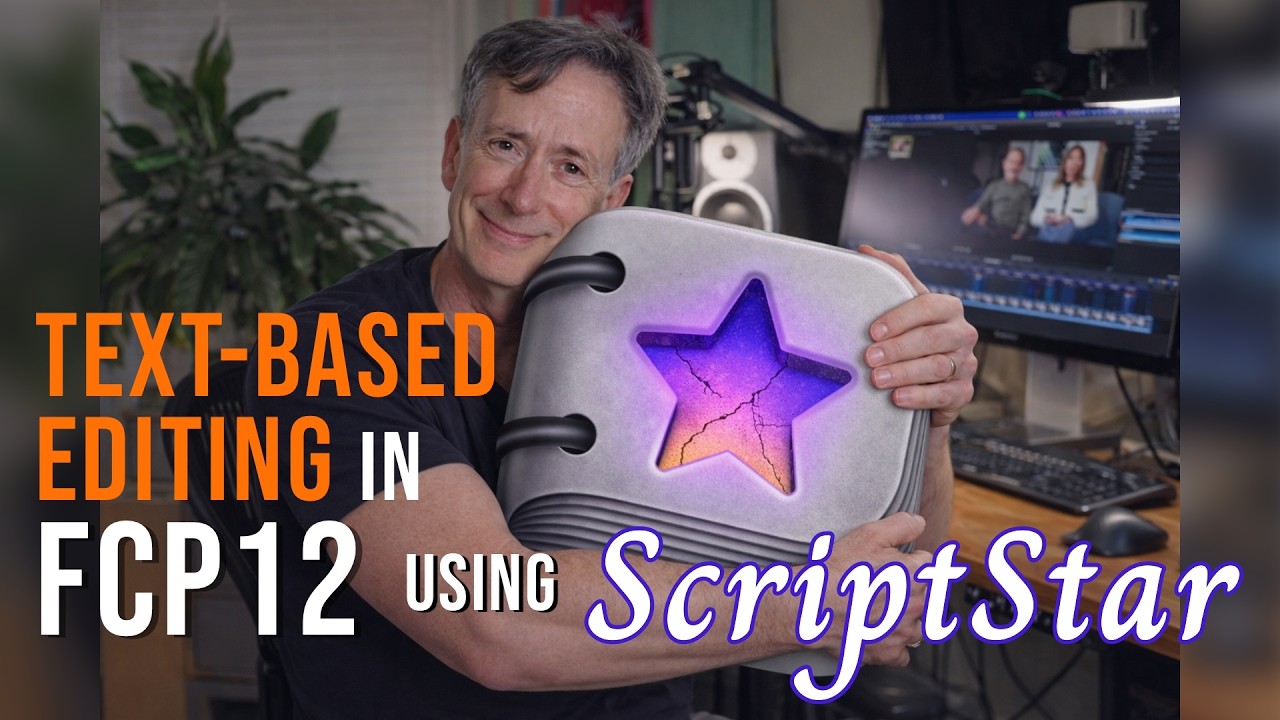
Mark Spencer at Ripple Training has done an awesome new video on ScriptStar!
You can watch on YouTube:
Thanks Mark!
FCP Template Manager v1.4.4 (Build 222) is out now.
The lead developer Rob explains...
FCP Template Manager 1.4 Brings Free Professional Template Organization to Final Cut Pro Editors.
New and completely free macOS app tackles the chaos of thousands of Titles, Effects, Transitions, and Generators with a dedicated browser, favorites management, drag-and-drop installer, and library and project repair tools.
FCP Template Manager, a dedicated macOS application for organizing and managing Final Cut Pro Motion templates launched version 1.4 today — a major milestone that adds the ability to relink missing templates in libraries and projects, as well as create template profiles.
Final Cut Pro editors working with large template libraries have long had to manage templates by hand, digging through Finder to install, remove, create favorites, or locate templates used in old projects. FCP Template Manager replaces that workflow with a dedicated browser purpose-built for the job.
Browse, Search, and Organize Every Template in One Window:
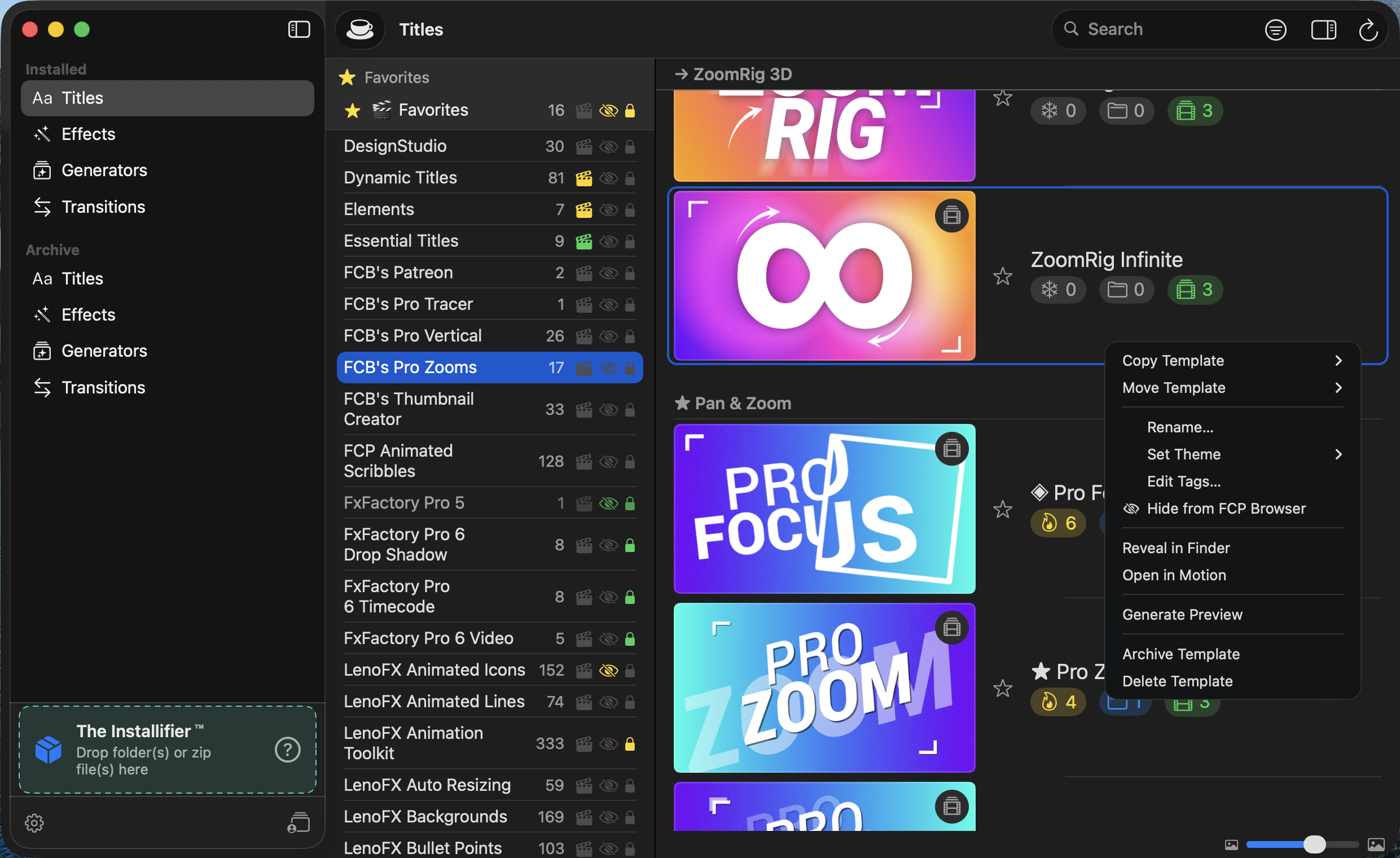
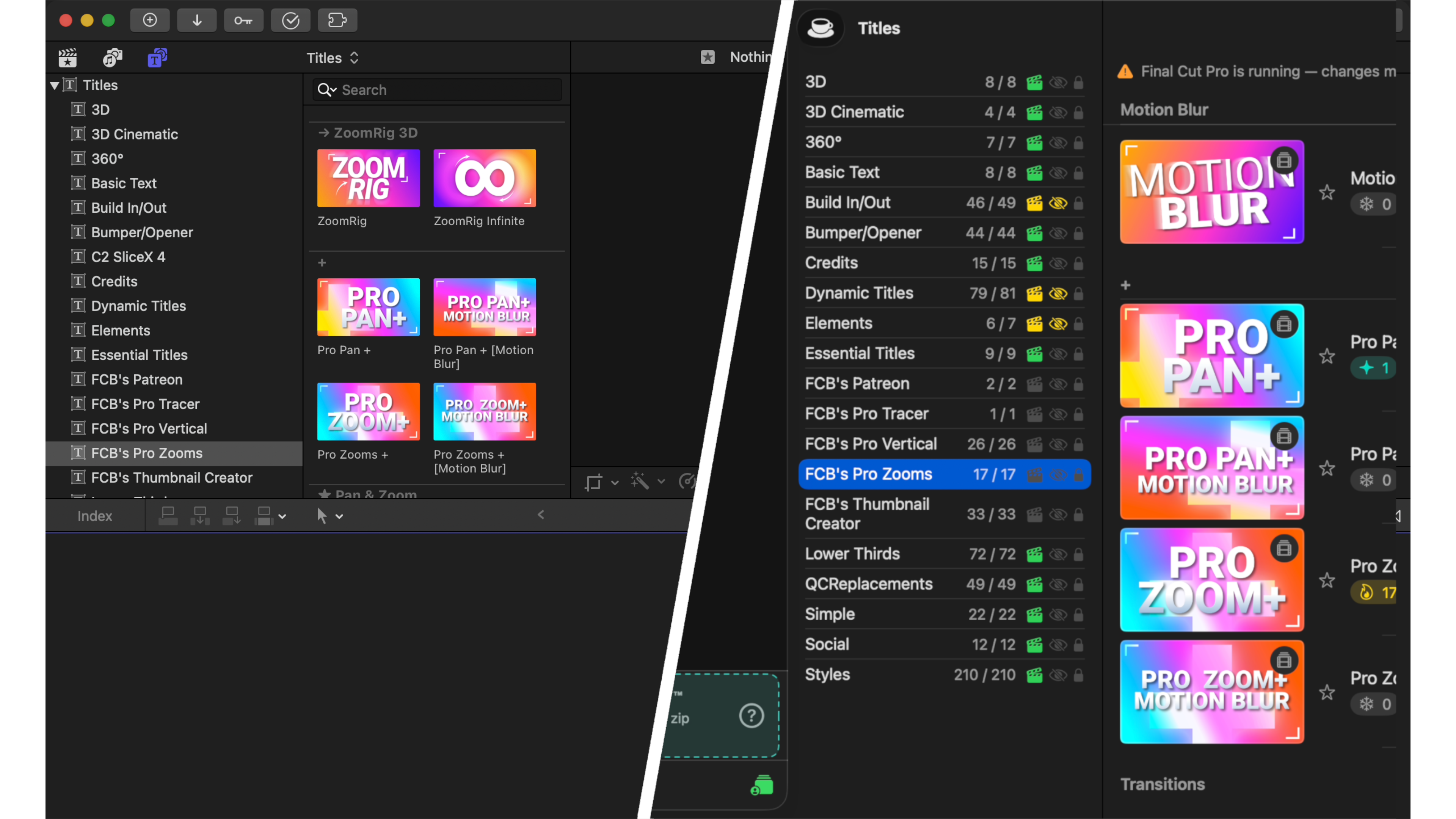
FCP Template Manager indexes all Motion templates installed on the system — Titles, Effects, Generators, and Transitions — and presents them in a three-column browser alongside built-in FCP templates. Templates can be renamed, tagged, themed, and opened directly in Motion. A full-text search narrows results instantly across names, tags, and categories.
Favorites, Archives, Hiding, and Template Profiles:
Three organizing tools give editors non-destructive control over what appears in the FCP browser:
- Favorites copy frequently used templates to quick-access folders, with CRC-based relationship tracking that follows the copy back to its source.
- Archive safely moves templates aside without deleting them. Archived templates disappear from FCP's browser but remain on disk, restorable at any time.
- Hide templates from FCP's browser but the files remain in place, without breaking any timelines.
- Template Profiles take organization further, letting editors create named sets of templates. When a profile is active, only its member templates appear in the FCP browser — ideal for switching between client projects or template collections without moving a single file.
The Installifier - Drag-and-Drop Template Packs:
Installing a third-party template pack used to mean unzipping a folder, reading a README, and manually copying files to the right spot in
~/Movies/Motion Templates. FCP Template Manager eliminates that process entirely.The Installifier accepts folders or ZIP files dropped directly into the sidebar. The app deep-scans the contents, infers the correct FCP folder structure (Titles, Effects, Generators, Transitions), and shows a preview of what will be installed. Templates can be installed individually, by category, by type, or all at once — with live install-status badges showing what's already in place. You can also rename or reorganize whatever you want before you install.
Usage Tracking: Know Which Templates Are Actually in Use:
FCP Template Manager scans Final Cut Pro libraries and project files to build a live usage index. Each template row shows which libraries and projects reference it. A project heat map highlights the most frequently used templates across all scanned projects — making it easy to know what's safe to archive and what should stay put.
Library and Project Repair:
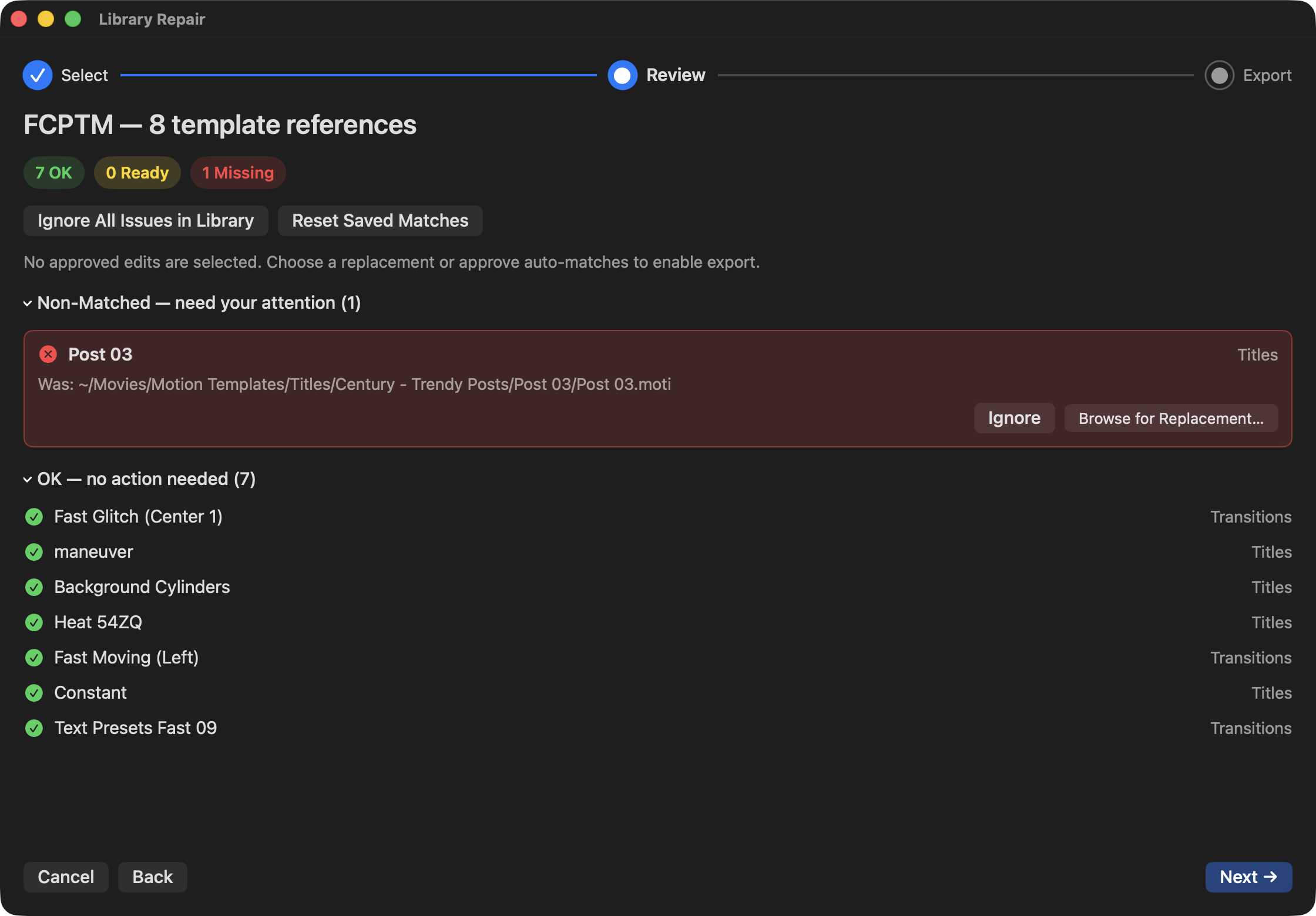
When a template is moved, renamed, or archived, Final Cut Pro libraries and exported FCPXML project files can lose track of it. FCP Template Manager includes dedicated repair wizards for both:
The Library Repair wizard identifies missing template references in libraries, automatically matches replacements using CRC fingerprints and display-name lookups, and exports a repaired copy of the library. The Project Repair wizard does the same for exported FCPXML and FCPXMLD project files. Neither workflow modifies the original file.
When a rename or move action is performed, the app warns which libraries and projects are affected and offers to repair them in the same step.
Additional Features:
- Preview Generation — Generate video previews and PNG thumbnails for templates using Apple Compressor, with concurrent rendering and real-time progress.
- Misplaced Template Detection — Scans for templates stored in the wrong type folder (e.g., a Generator file inside Titles) and provides a guided fix workflow.
Requirements:
FCP Template Manager requires macOS
v14.6or later and Final Cut Pro. Apple Compressor for video/thumbnail generation. Apple Motion to edit templates.
I'm hoping to (force/bully) Rob to do a full developer case study in the coming weeks! Stay tuned.
You can download and learn more on the FCP Template Manager website.