2026
March
2nd March 2026
It's March 2026, and the world has changed... dramatically.
Every man, woman and dog is now creating their own tools and software using LLMs like Codex and Claude Code.
Every filmmaker and post production nerd is now becoming a developer.
When I first started working on BRAW Toolbox a few years ago, there was ZERO information about FxPlug online, and very few who knew anything about it.
Now in this new world, the most traffic to hit FCP Cafe is LLMs reading information about FxPlug and Workflow Extensions.
Crazy times indeed. So over the coming weeks and months, I expect to see a LOT more Final Cut Pro tools hit the market, both from myself, and many, many others.
LLMs like Codex and Claude Code have changed the game DRAMATICALLY. You can now EASILY build whatever you imagine.
This will be absolutely awesome for creative filmmakers who have a very clear vision of what they want.
This will be absolutely devastating from indie developers who previously made all their income from Final Cut Pro applications.
Please, please, please, continue to support those Final Cut Pro developers who have been with us since the beginning, such as Intelligent Assistance, CoreMelt, FxFactory, Ripple Training, Digital Anarchy, etc.
Because once we start loosing all the old guards... it'll be way worse for everyone.
gAnalyzer v1.1 (Build 22) is out now for USD$9.99.
The website explains:
Instant plugin intelligence for Final Cut Pro. Identify any effect, find missing plugins, and see vendor, category, and file path — without leaving the timeline.
It's a Final Cut Pro Workflow Extension.
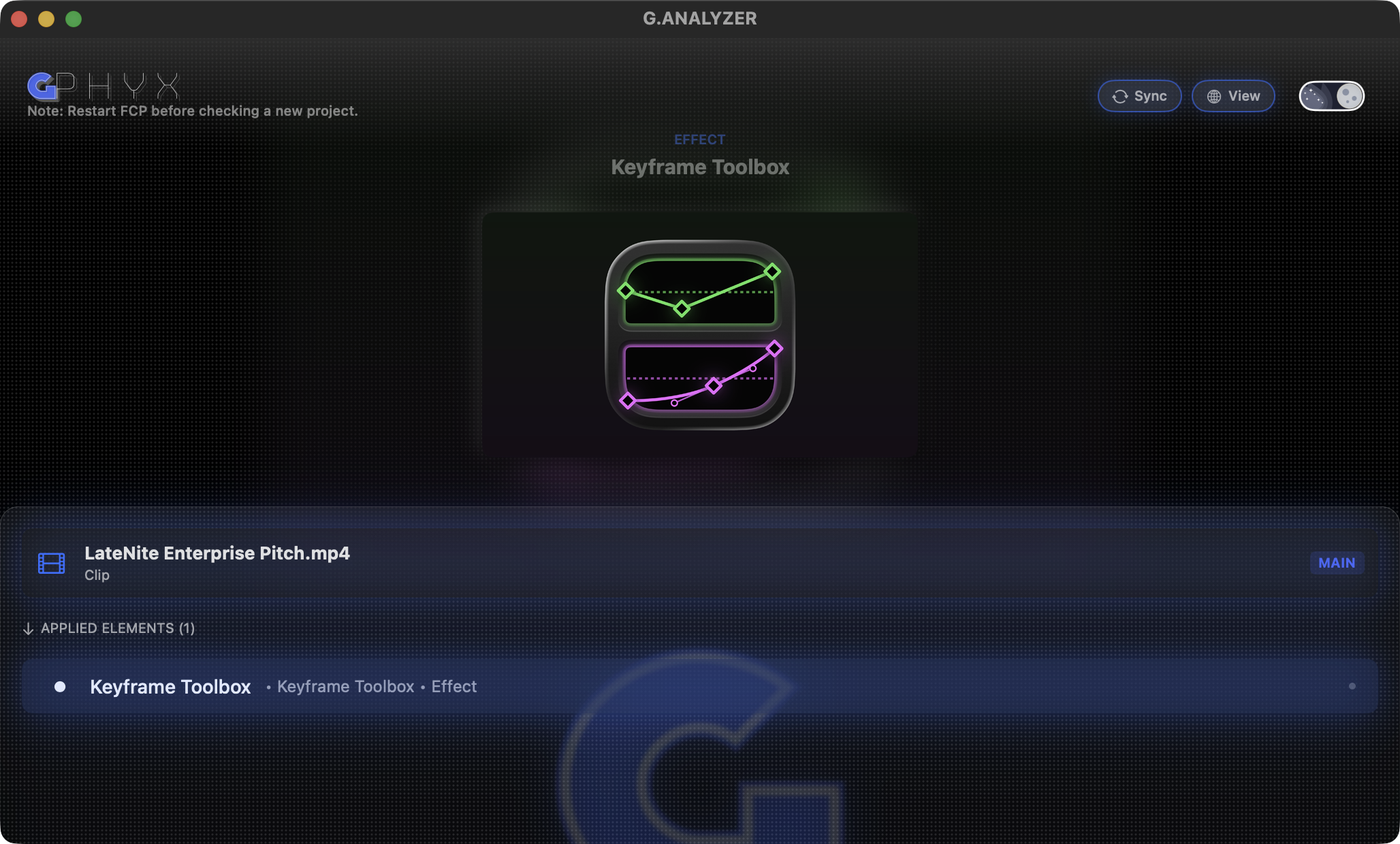
You can download and learn more on the gAnalyzer website.
pravMotion v1.1.0 is out now for free on GitHub.
It's a free and open-source FxPlug4 effect.
You can download and learn more on GitHub.
ISD Caption Converter is out now for free online.
Say goodbye to boring, outdated captions! 🛑 Elevate your workflow with ISD Caption Converter.
Tired of blank white captions? Convert them to fully customisable FCP captions in seconds! 🚀
✨ You'll love it because:
• Load up to 8 caption styles simultaneously.
• Batch editing: Change styles for multiple lines in one click.
• Smart break tool: Automatically calculates timing when breaking long captions.
• Error-free: Creates a clean XML file for FCP.
🔥 Exclusive to Final Cut Pro | 100% Free Forever!
See the workflow here 📥
(If this saves you hours of editing time, please consider buying me a coffee! ☕️)
You can learn more on the ISD Caption Converter website.
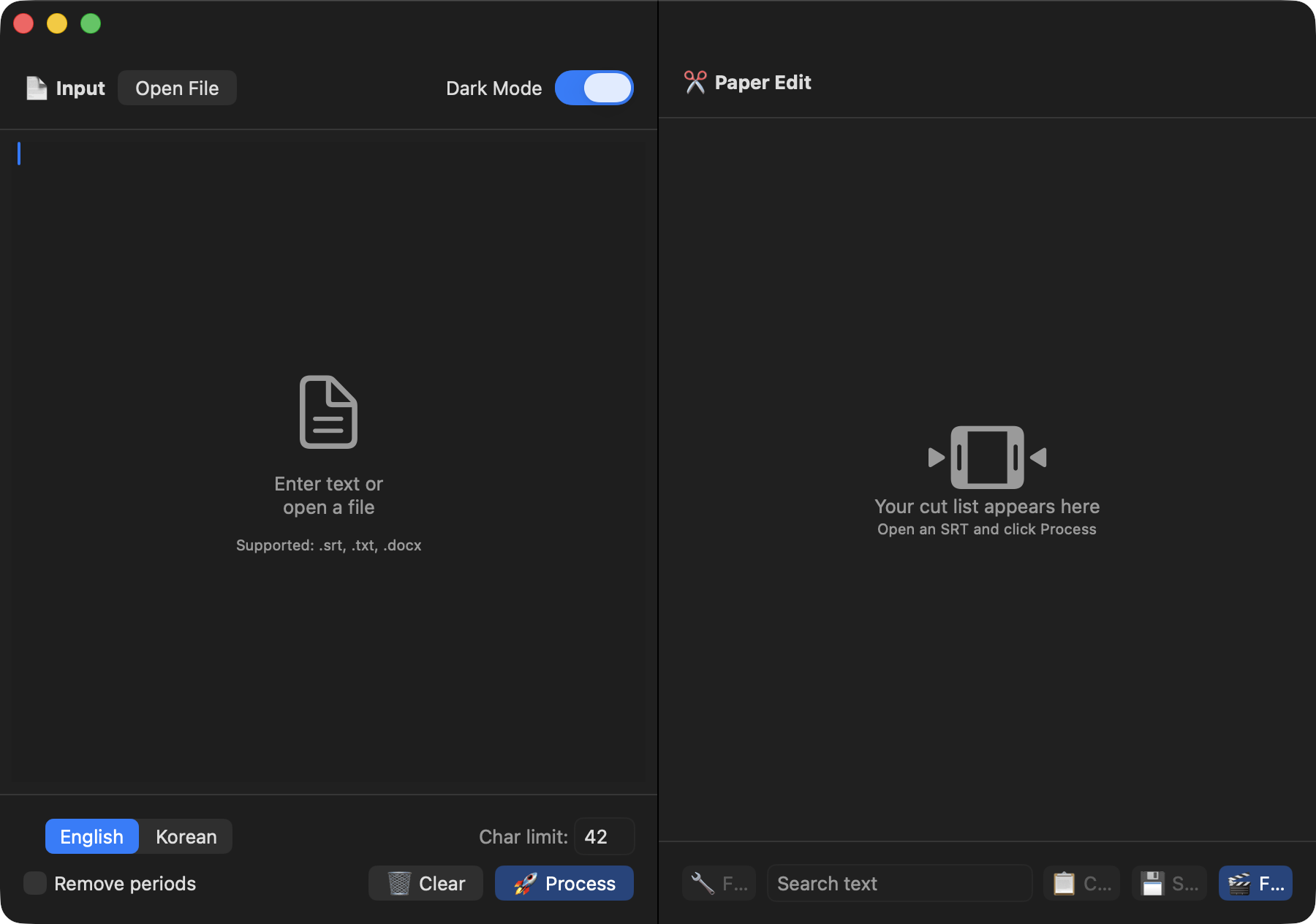
ScriptBlade v1.0.2 is now available on the Mac App Store.
The Mac App Store reads:
SRT-based paper editing for Final Cut Pro - now with Multitrack FCPXML support for Multicam, Sync Clip, and Compound Clips.
ScriptBlade turns your SRT into a rough cut timeline for Final Cut Pro — without touching a single clip manually.
Select the lines you want to keep, hide the rest, and export a trimmed FCPXML. Final Cut Pro opens it as a pre-cut timeline, ready to refine.
What You Can Do:
- Build a paper edit from any SRT file
- Select, deselect, and hide unwanted sections
- Multi-select with & / Shift — or use Select All / Deselect All
- Export FCPXML and import directly into Final Cut Pro
- Supports Multicam, Sync Clip, and Compound Clip timelines •
- Import .fcpxmld packages exported from Final Cut Pro
- 100% offline — all processing happens locally on your Mac.
- Nothing is uploaded or sent to any server.
How It Works:
- Prepare an SRT file (generated with any external transcription tool)
- Select only the sections you want to keep
- Export → link your original FCPXML → generate → import into Final Cut Pro
Best For:
- Interviews (including multi-camera setups), documentaries, lectures — any long-form content where you need to find the moments that matter.
Note: ScriptBlade does not include transcription. You'll need an SRT file created with an external tool. Source media must already be available in your Final Cut Pro library for the exported timeline to link correctly. All operations are performed locally. No files, media, or script content are ever uploaded.
FAQ:
The clips are offline after import. Why? The FCPXML references your original source media. Make sure the same files exist in your FCP library. Use Final Cut Pro's Relink tool if needed.
Does it transcribe audio or video? No - transcription is not included. ScriptBlade works with existing SRT files only.
You can download and learn more on the Mac App Store.