2026
February
3rd February 2026
Chapter Tool v1.0.0 is out now for free!
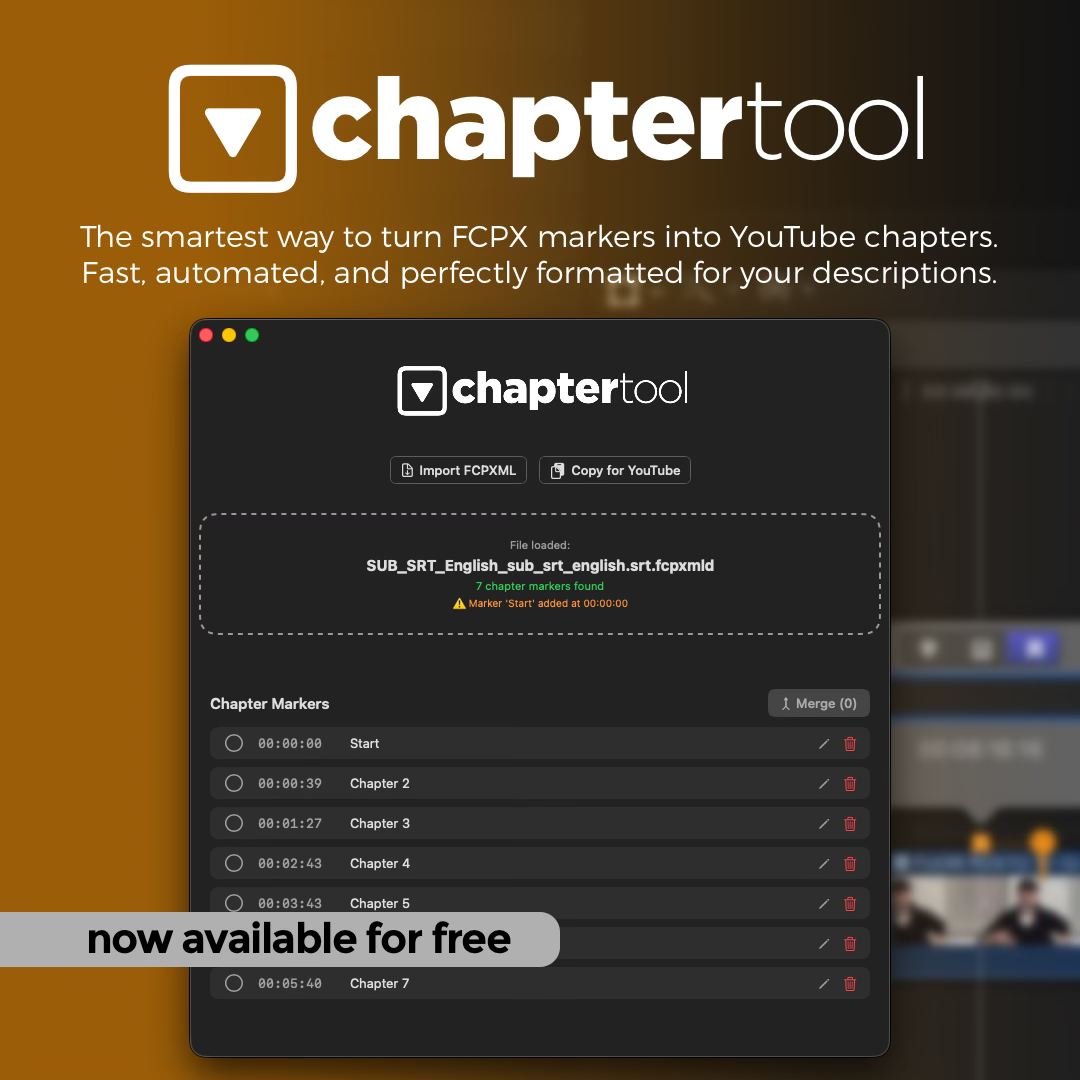
Parse FCPXML files to detect both Chapter and standard FCP markers, automatically convert them into YouTube-compliant chapters with validation, and export ready-to-paste descriptions with a single click. Includes integrated text editing and handles projects of any scale.
Marco Bucci writes on Facebook:
As a fellow FCP editor, I wanted to share a tool I originally developed for myself to fix a major frustration in my workflow between Final Cut Pro and YouTube.
Since it saved me so much time managing markers, I decided to polish it and share it for free with the entire community. Chapter Tool parses your FCPXML exports and instantly generates ready-to-paste YouTube timestamps, including automatic validation.
It’s a native macOS app, lightweight and built for editors who regularly deal with long-form content. I hope it saves you some valuable time on your next project!
I’d love to hear your feedback in the comments.
He writes on the website:
Streamline your workflow. Chapter Tool is now free for everyone.
As a developer and video editor, I know how tedious managing markers and chapters can be during the final stages of production. I originally built Chapter Tool to solve this frustration in my own Final Cut Pro projects.
To support the creative community and gather valuable feedback for my upcoming utilities, I've decided to make Chapter Tool available for free.
It is a native macOS app, built with Swift 6 and fully notarized by Apple to ensure the highest security and performance. Download it today and take the hassle out of your delivery process.
It offers similar functionality to Creator's Best Friend - although Creator's Best Friend also supports Adobe Premiere Pro and Blackmagic DaVinci Resolve.
You can download for free and learn more on the Chapter Tool website.
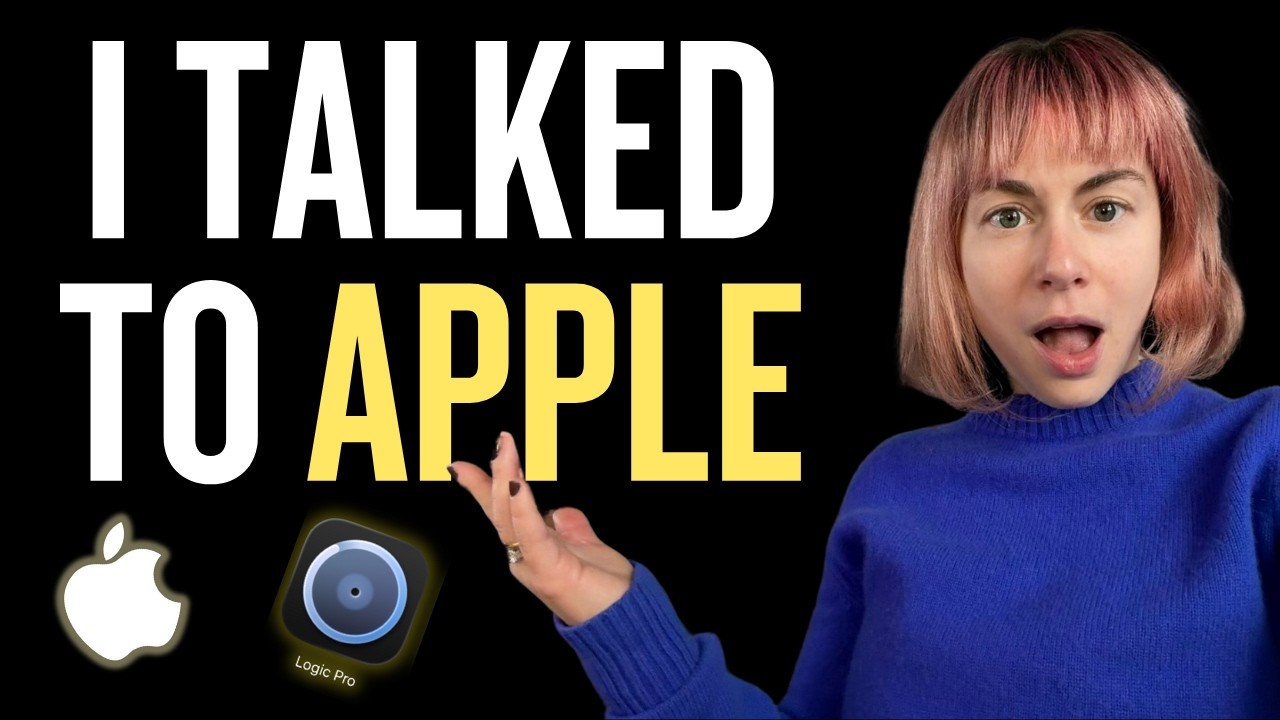
SEIDS sits down with the Apple Creator Studio team in her video titled, Apple Explains Subscription, New Logic Pro and AI!.
You can watch on YouTube:
This isn't specifically Final Cut Pro related, but it's awesome none-the-less.
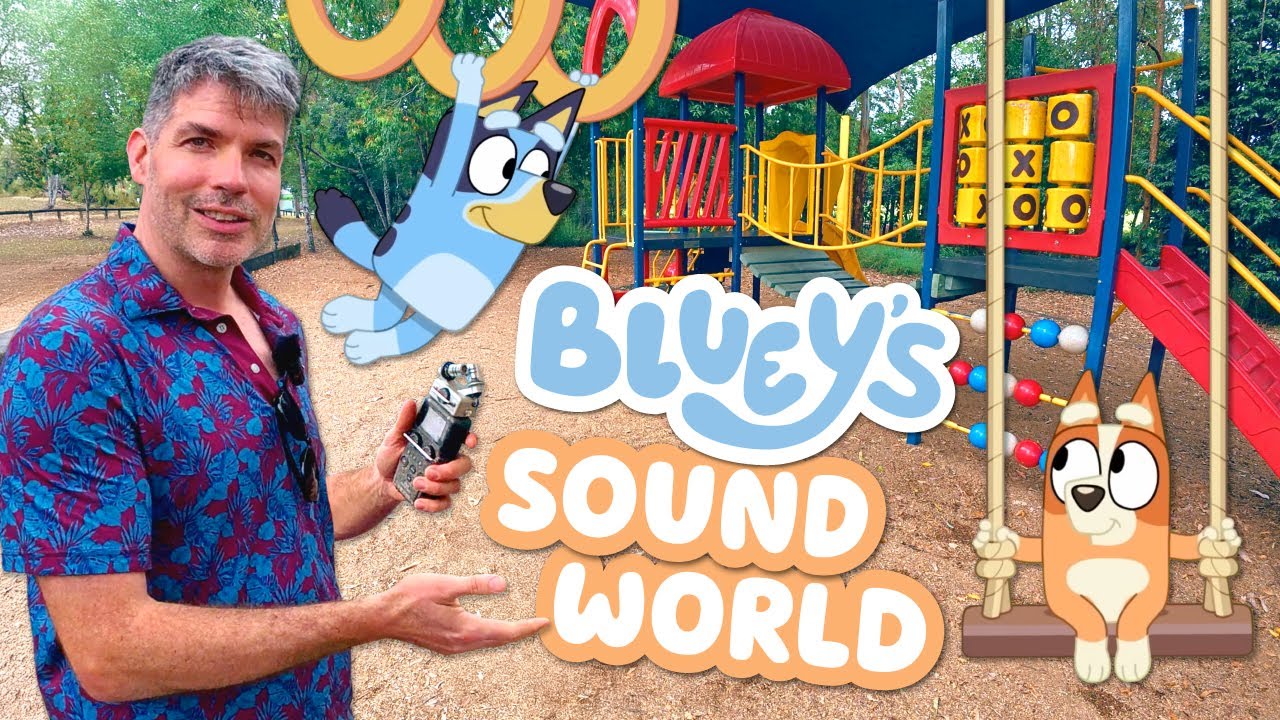
Dallas Taylor has released a video titled, Why Bluey Doesn’t Sound Like a Cartoon w/ Bluey’s Sound Designer.
You can watch on YouTube: